Free tool
Free OBJ to STL Converter, and STL to OBJ
Convert OBJ to STL for 3D printing, or STL to OBJ for a mesh editor. The file stays on your device: this converter runs in a browser Web Worker and creates the download locally.
OBJ vs STL: what each file keeps
OBJ is a general model format and STL is a printing format. Converting OBJ to STL throws away everything a slicer does not read; converting STL to OBJ cannot bring it back.
| Property | OBJ | STL | What the conversion does |
|---|---|---|---|
| Faces | Any polygon: triangles, quads, n-gons | Triangles only | Quads and n-gons are split into triangles |
| Colour and textures | Through a separate .mtl file and image files | None | Dropped; the report names the lost materials |
| UV coordinates | Yes | No | Dropped |
| Shared vertices | Indexed: a corner is stored once | Every triangle stores its own 3 corners | Converting to STL unshares them; converting back keeps them unshared |
| Units | None stored | None stored | Numbers kept as they are; the next app decides the unit |
| Encoding | Text | Binary or text (this tool writes binary) | Binary STL is usually the smaller file |
the file is going to a slicer or a print service that asks for STL. Best for: printing. Not for: keeping colour, since STL has nowhere to put it.
an app you use opens OBJ and not STL. Best for: editing geometry. Not for: getting textures back; the OBJ is as plain as the STL.
Seven round trips, measured
Each file was converted to STL and then back to OBJ on this page on 25 September 2026. Suzanne is Blender's test head, exported from Blender 5.2 with its quads kept; the six generated models are OBJ exports of the tier samples on our pricing page.
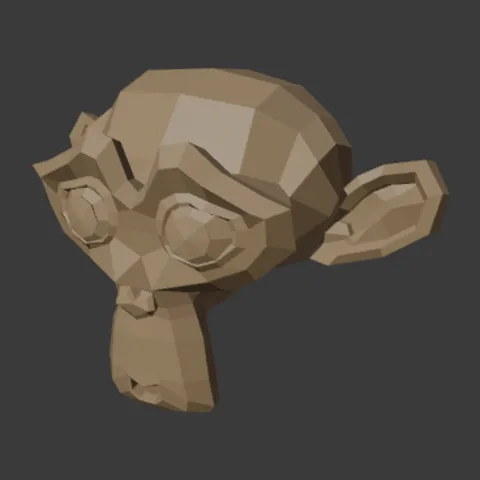
Blender's Suzanne500 faces in (468 quads), 968 triangles outOBJ 63 KB → STL 48 KB → OBJ 211 KB 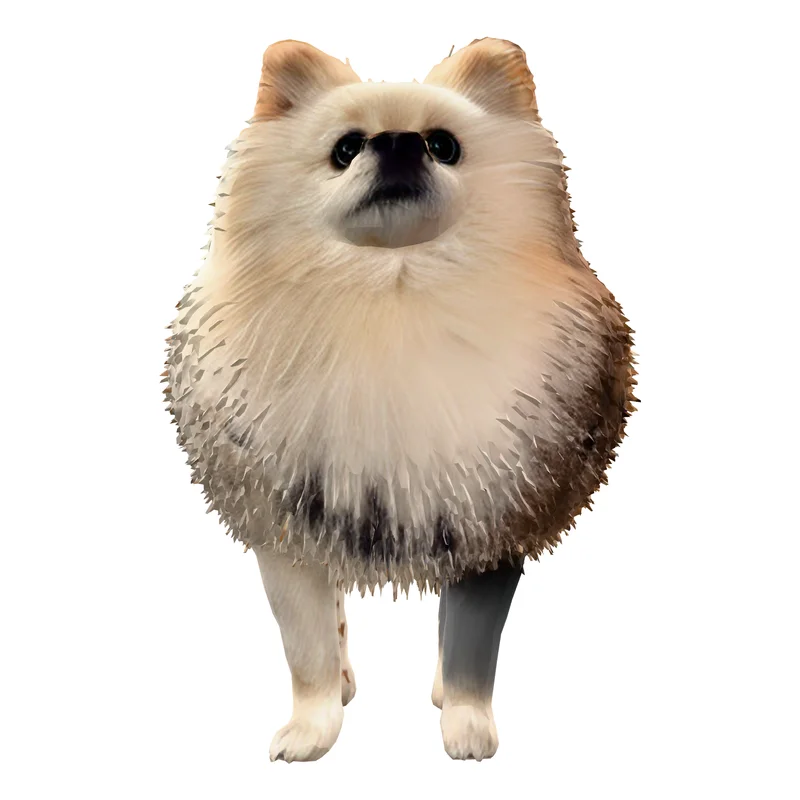
Pet, Standard40,000 faces in, 40,000 triangles outOBJ 5.2 MB → STL 2 MB → OBJ 11.1 MB 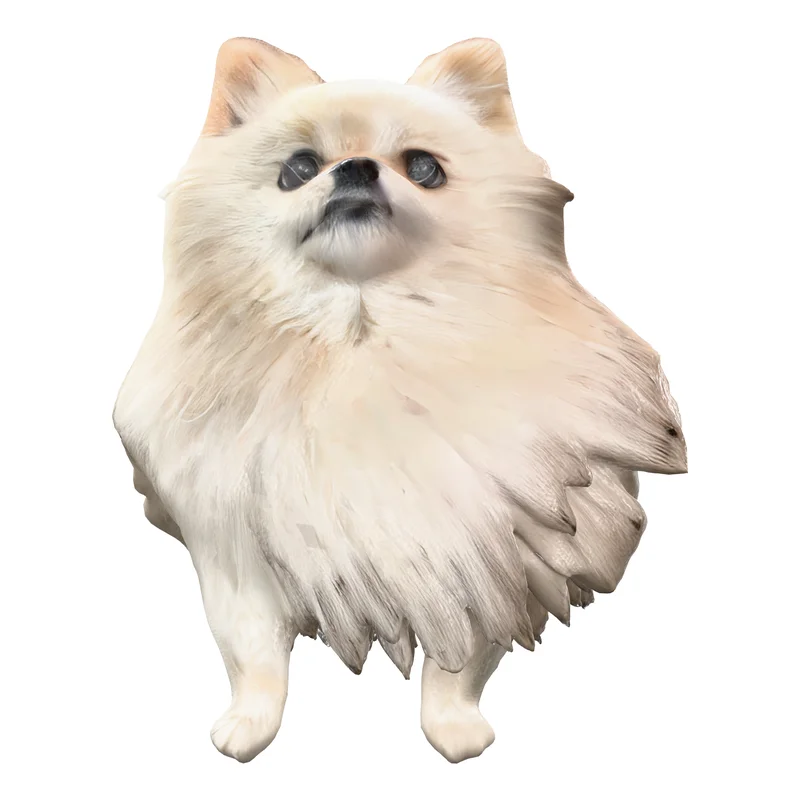
Pet, High Detail93,330 faces in, 93,330 triangles outOBJ 12.2 MB → STL 4.7 MB → OBJ 25.9 MB 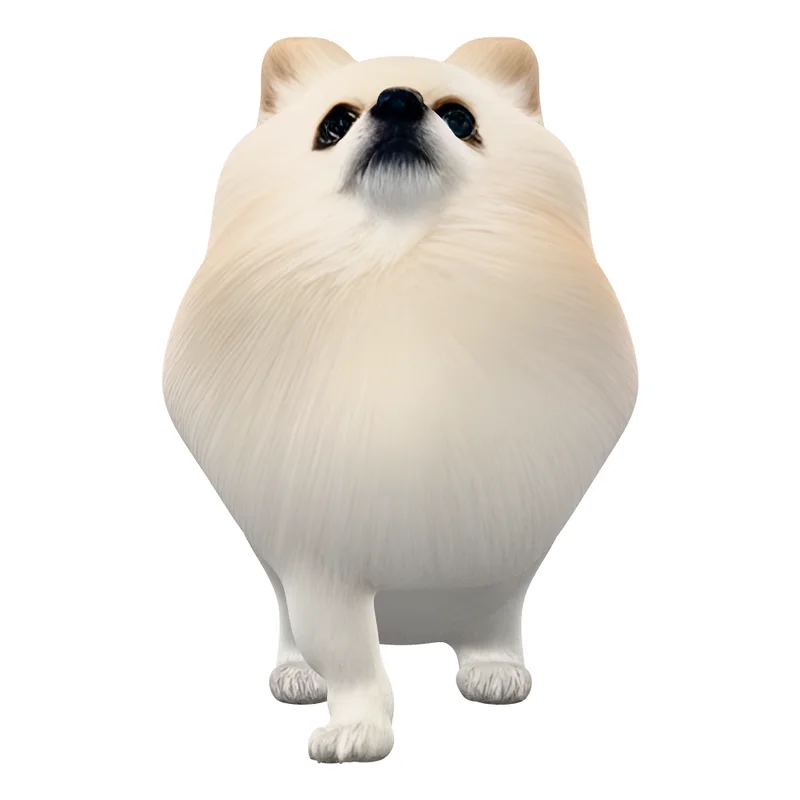
Pet, Ultra Detail500,000 faces in, 500,000 triangles outOBJ 68.1 MB → STL 25 MB → OBJ 141.4 MB 
Sign, Standard40,000 faces in, 40,000 triangles outOBJ 5.4 MB → STL 2 MB → OBJ 11.3 MB 
Sign, High Detail100,488 faces in, 100,488 triangles outOBJ 13.5 MB → STL 5 MB → OBJ 28.2 MB 
Sign, Ultra Detail500,000 faces in, 500,000 triangles outOBJ 68.8 MB → STL 25 MB → OBJ 141.7 MB
Two patterns hold across all seven. Converting to STL made every file smaller, by a quarter on Suzanne and by about 60% on the generated models. STL to OBJ made it bigger than the OBJ you started from, between 2 and 3.4 times, because an STL has no shared corners and the OBJ written from it repeats each corner for every triangle that uses it.
After converting STL to OBJ: weld it once
An OBJ made from an STL opens fine, but every triangle is loose from its neighbours. We imported the Standard pet's converted OBJ into Blender 5.2: 120,000 vertices on import, 19,978 after Mesh > Clean Up > Merge by Distance, with no open or non-manifold edges left. Do that before you sculpt, smooth or check the mesh for holes.
Going the other way, a converted STL can still have holes that the OBJ had. Conversion changes the container, not the surface. Run it through STL file repair before you slice, or read how an image to 3D model imports into Blender if Blender is your next stop.
OBJ to STL and STL to OBJ questions
Is this OBJ to STL converter free?
Yes. It runs locally in your browser, with no account, credit limit, or upload. The converted file is created as a download in the same browser tab.
What changes when I convert OBJ to STL?
STL stores triangles only and has no materials, textures, UVs, or object hierarchy. OBJ faces with four or more corners are triangulated. The conversion report shows the face count before conversion, the triangle count afterward, and any material names that STL cannot keep.
Can I convert STL to OBJ too?
Yes. Choose an STL file and the converter writes an OBJ with the same triangle geometry. STL has no material or texture data to restore, so the resulting OBJ is geometry-only.
Why is my OBJ so much bigger after STL to OBJ?
STL stores every triangle with its own three corners and no list of shared points, so the OBJ written from it repeats each corner once per triangle. On our test files the result was 2 to 3.4 times the size of the original OBJ. Import it into Blender and run Mesh > Clean Up > Merge by Distance to join the corners again.
Does OBJ to STL change the size of my model?
No. Neither format stores units, and the converter writes the coordinates it read. What changes is how the next app reads them: most slicers treat STL numbers as millimetres, so a model modelled in metres can arrive tiny. Scale it on import rather than in the file.
Will converting a file repair it for 3D printing?
No. Conversion changes the file container, not the mesh topology. If a slicer reports open holes, use the STL file repair tool after conversion. It can cap simple open boundary loops, but it does not repair self-intersections or disconnected islands.
Where the file goes next
STL file repair
Find and cap open holes before the STL reaches a slicer.
GLB viewer
Check a textured model before you strip it down to STL.
Image to STL
Start from a photo instead of a mesh.
Mold generator
Build a two-piece mold around a closed STL.
STL to 3MF converter
Put several STLs into one 3MF in millimetres.