3D models made from a single picture
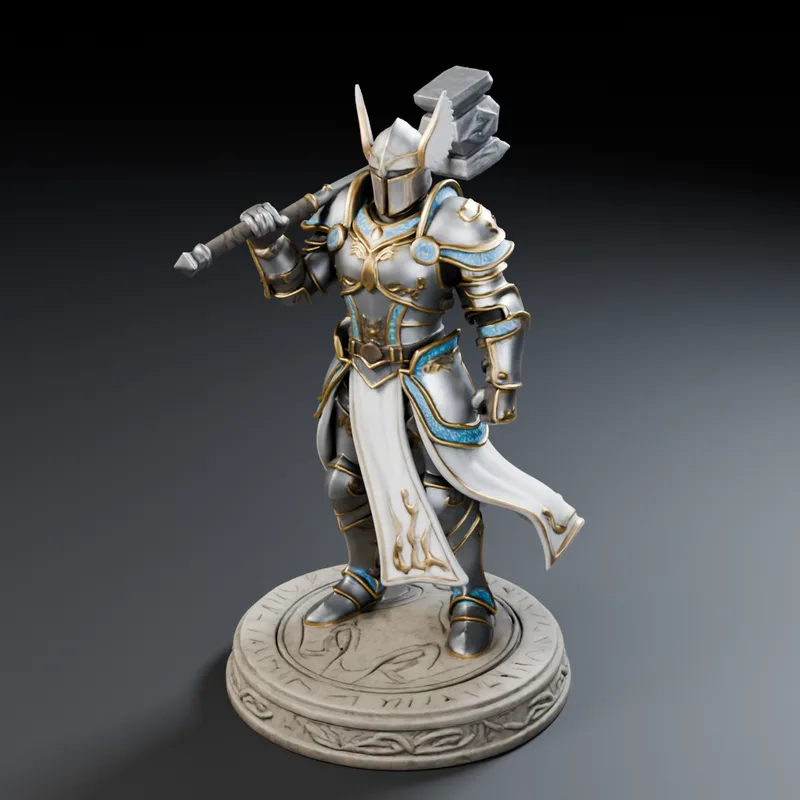
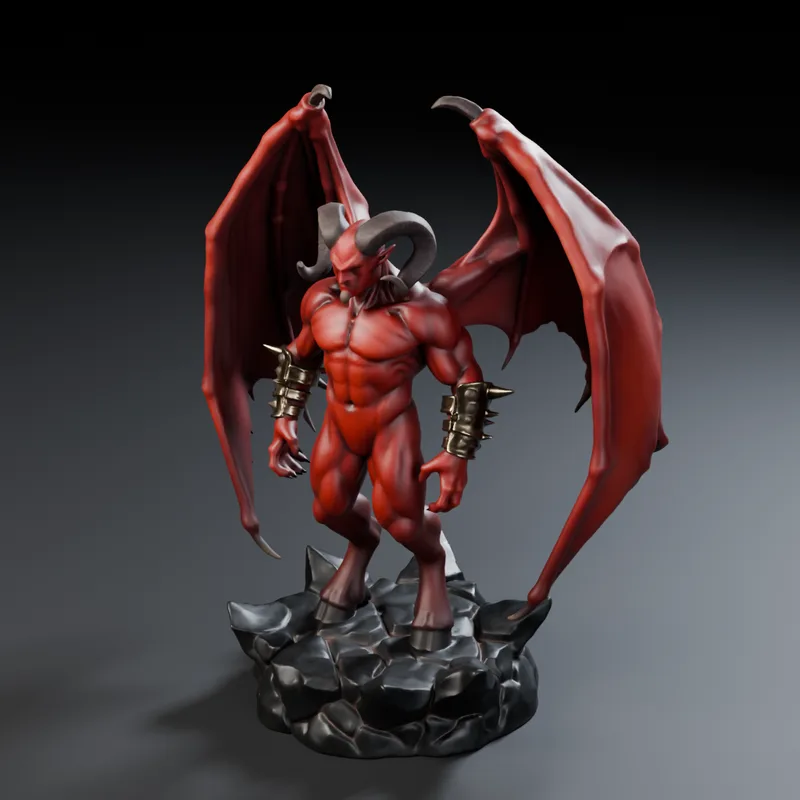
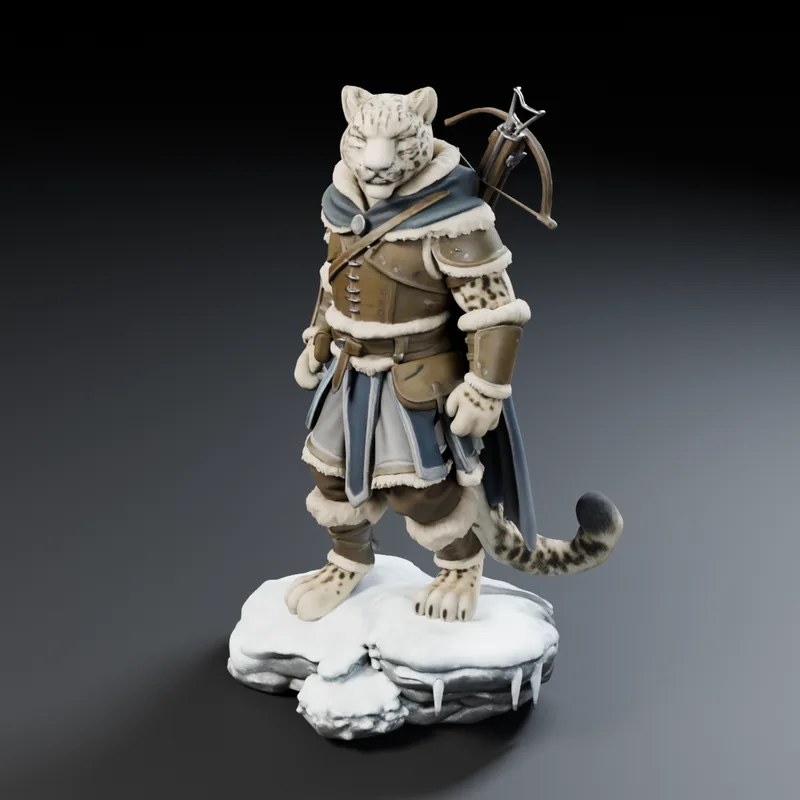
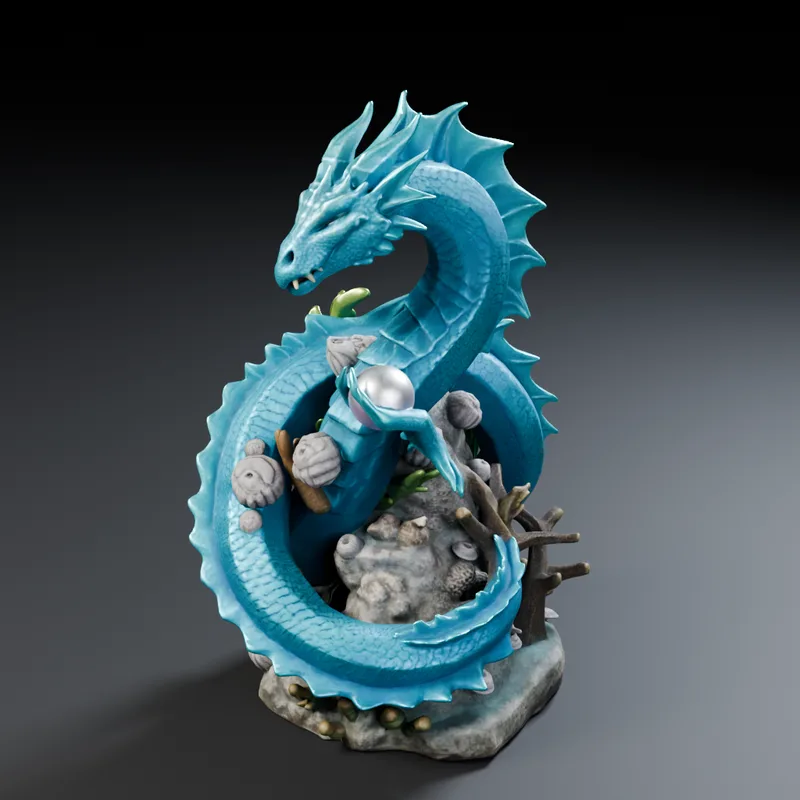
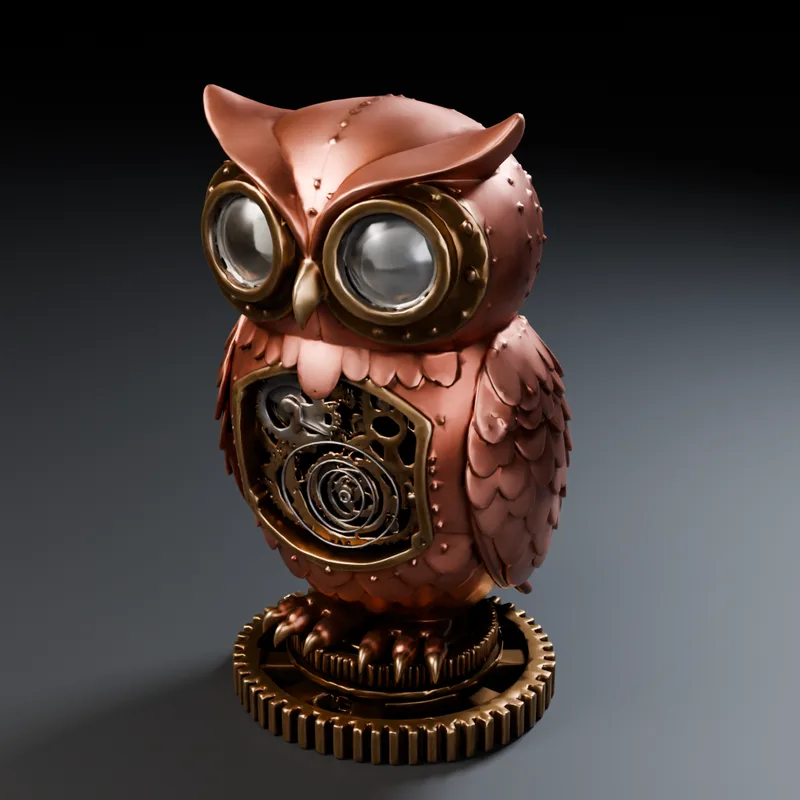
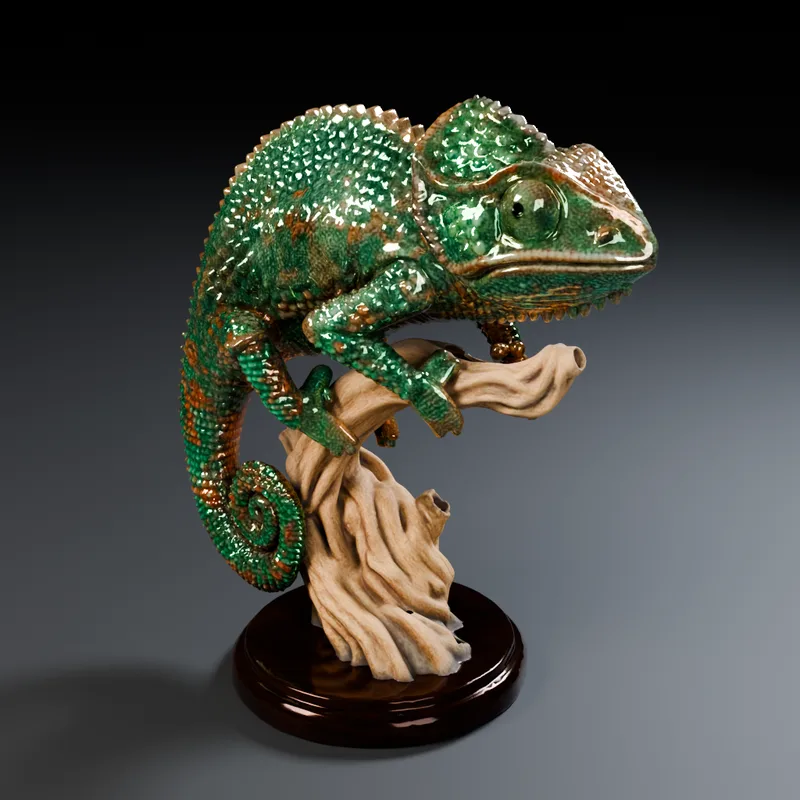
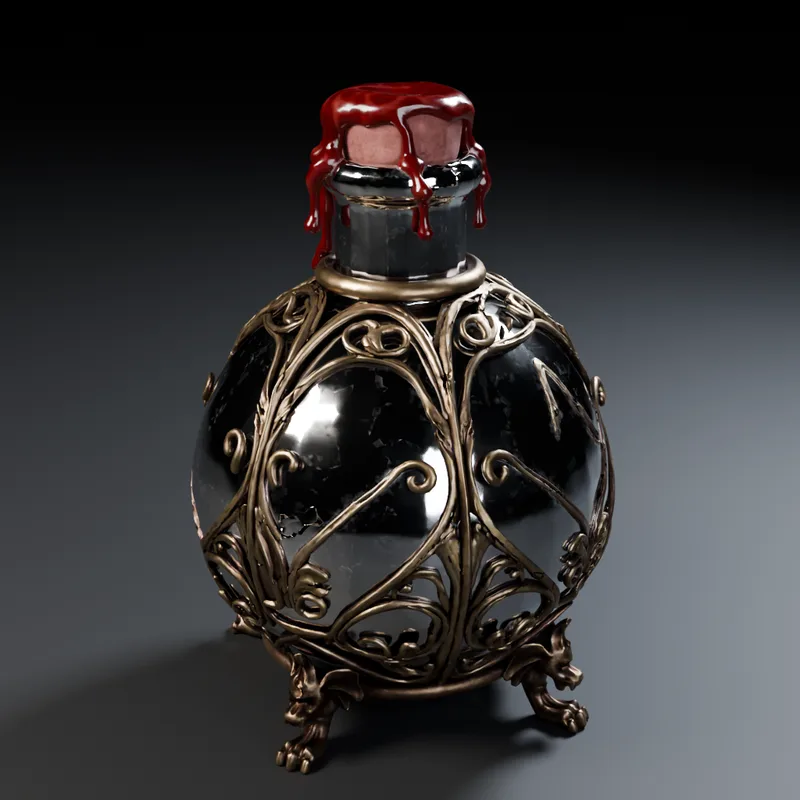
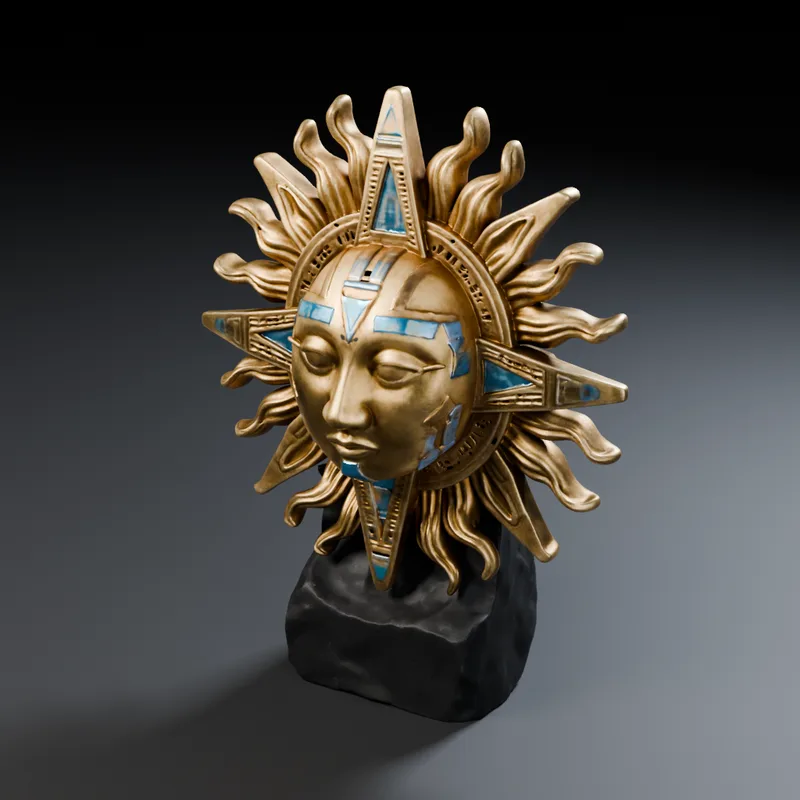
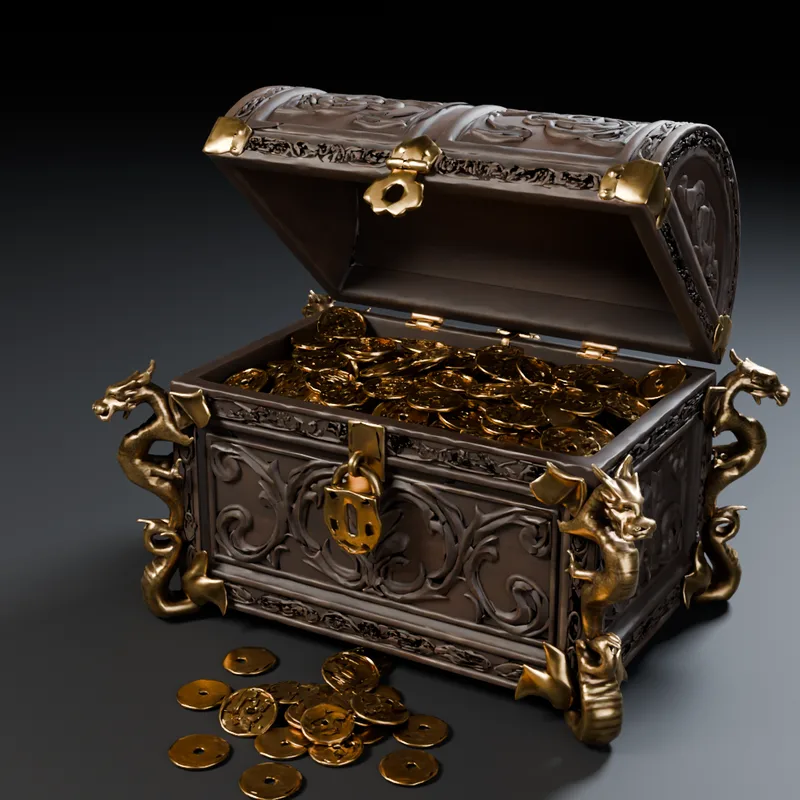
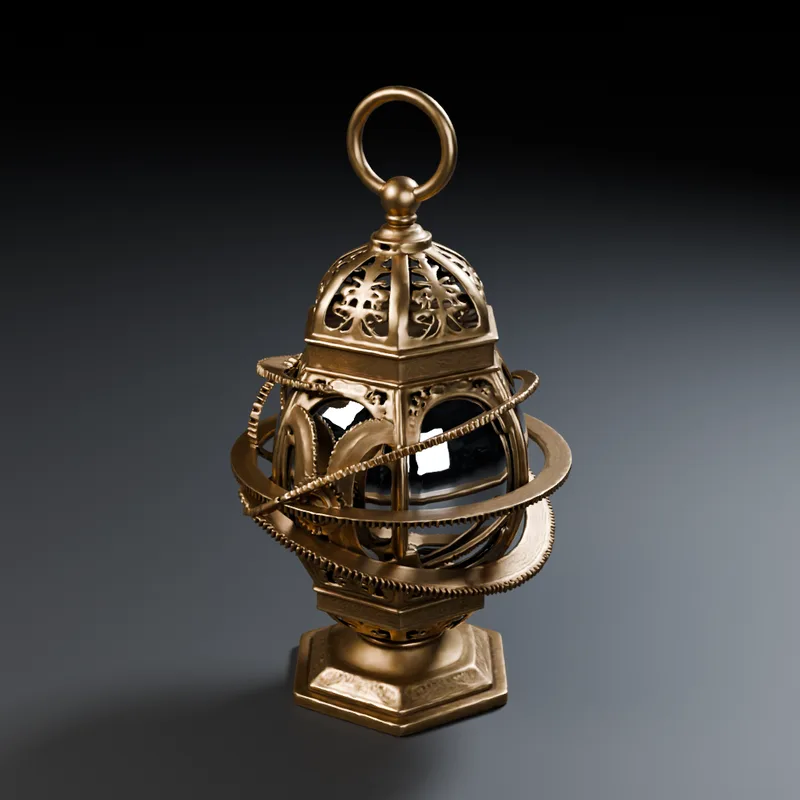
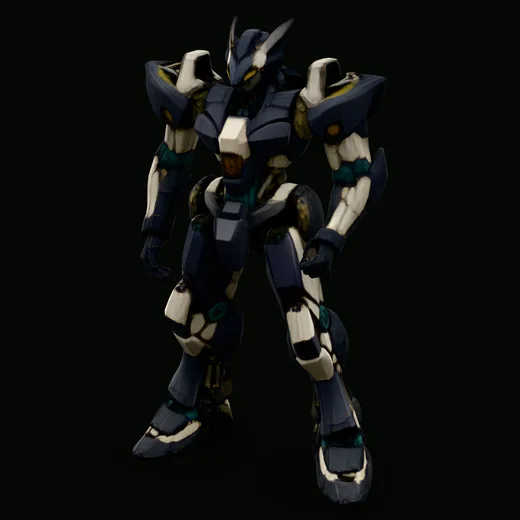
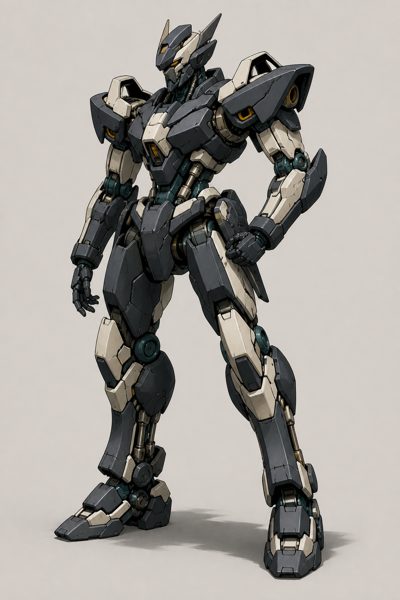
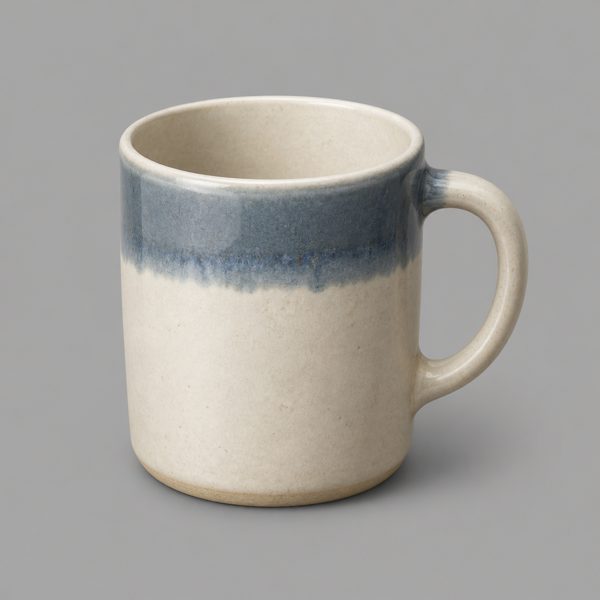
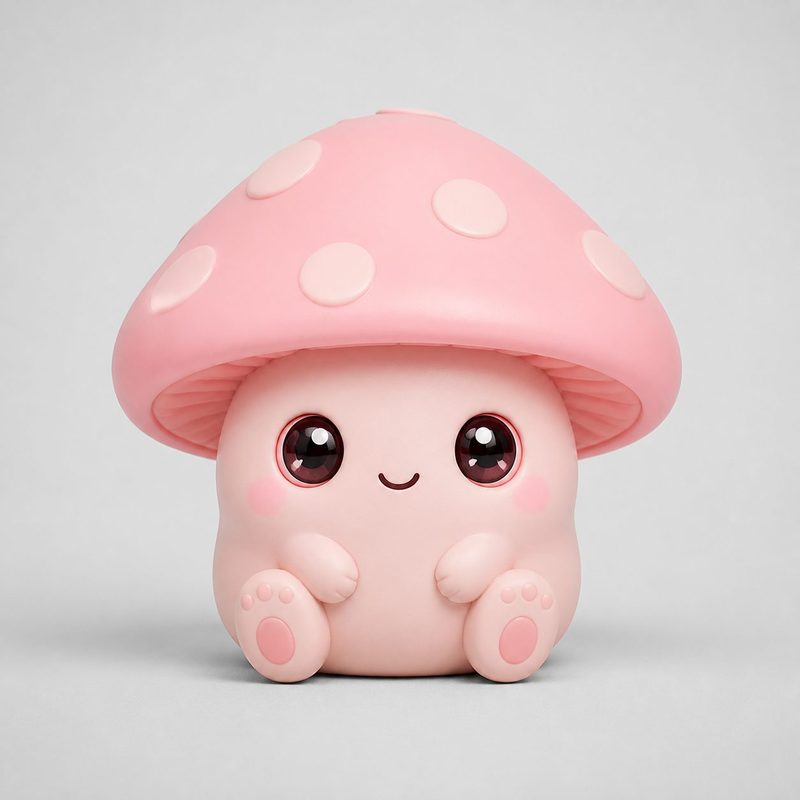
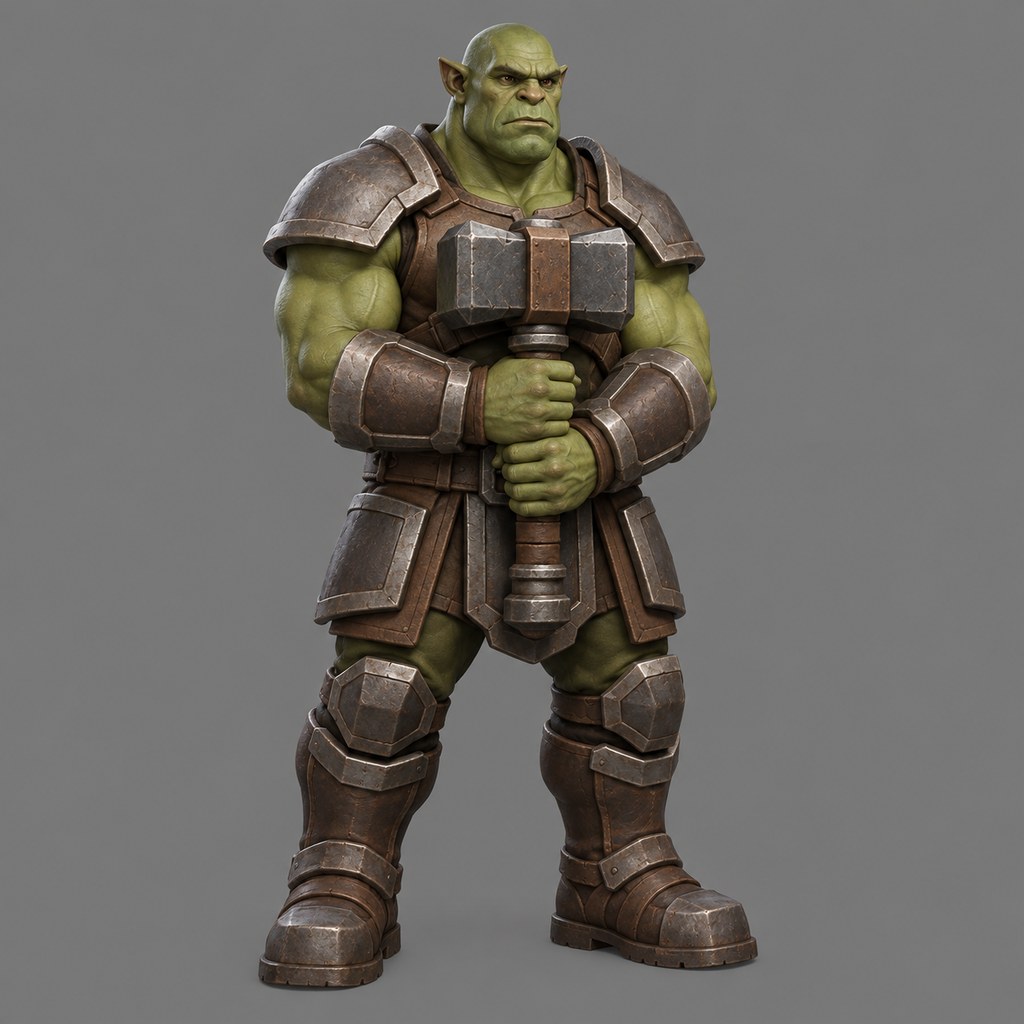
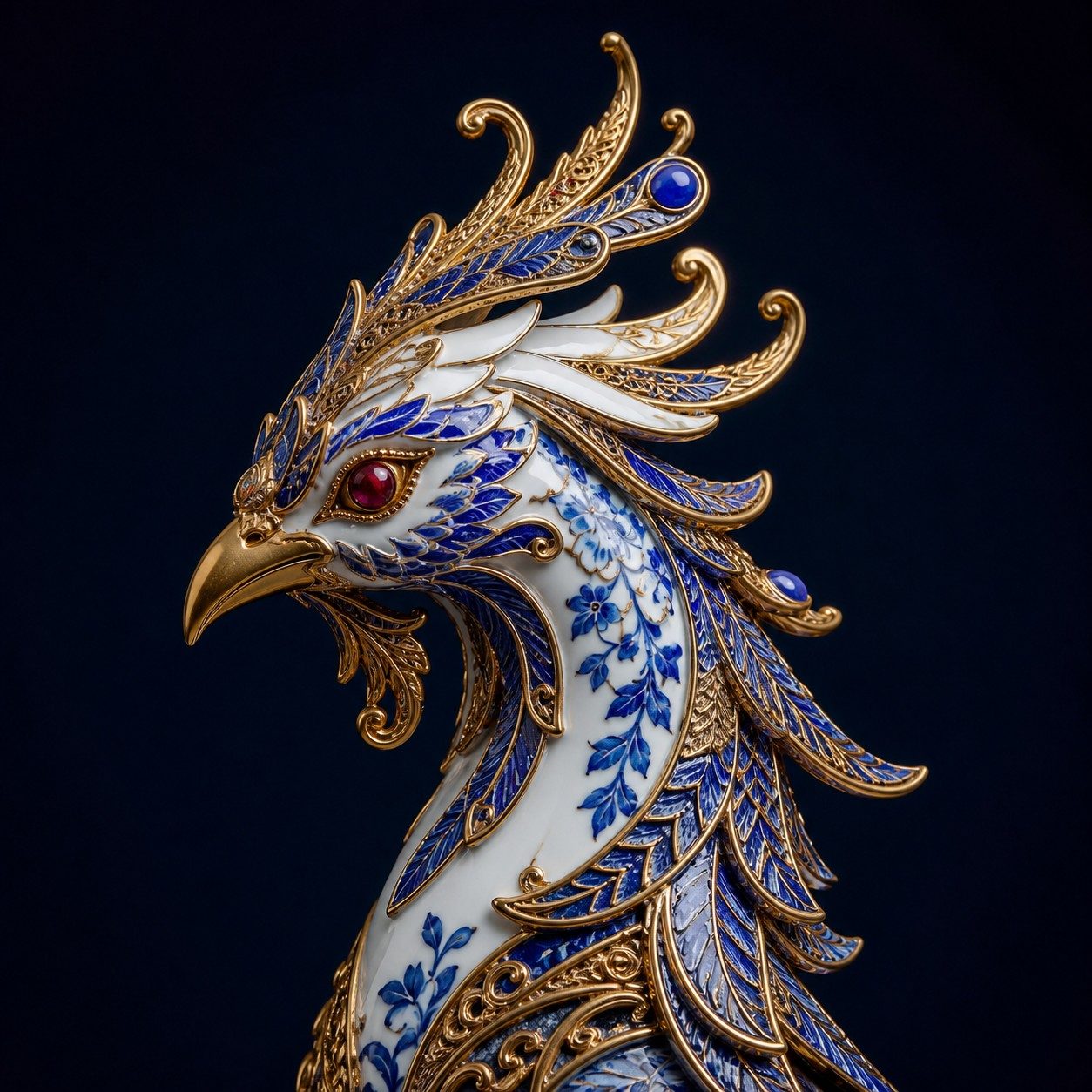
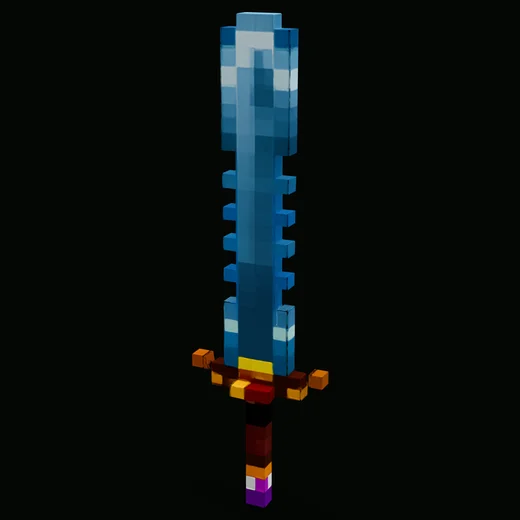
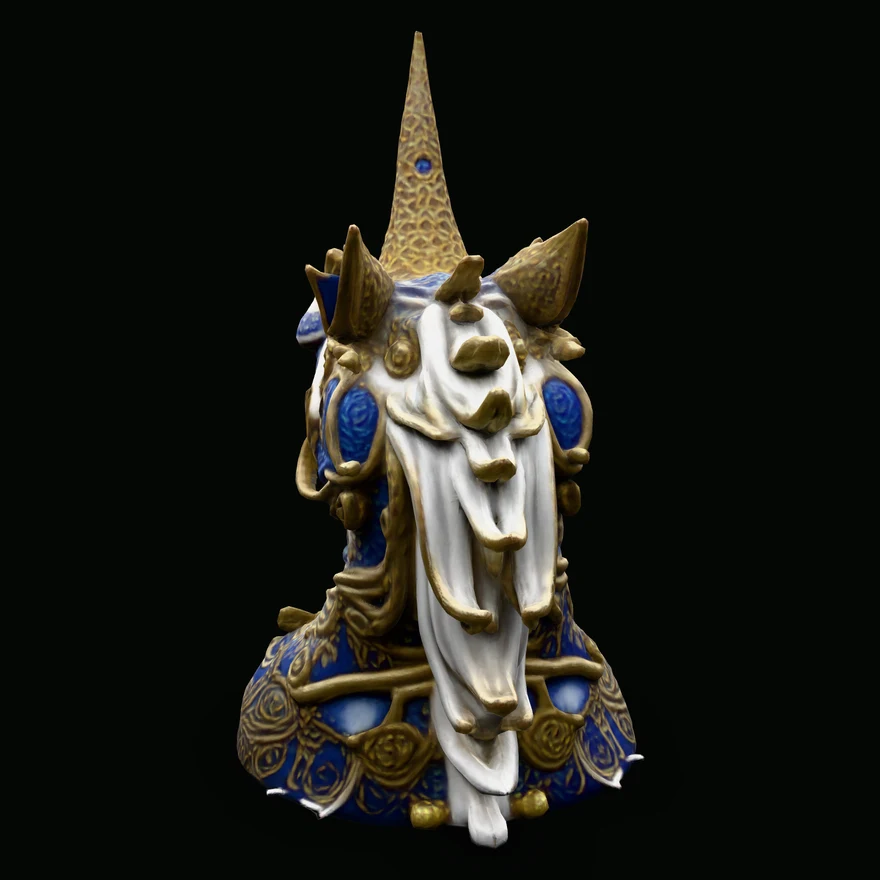
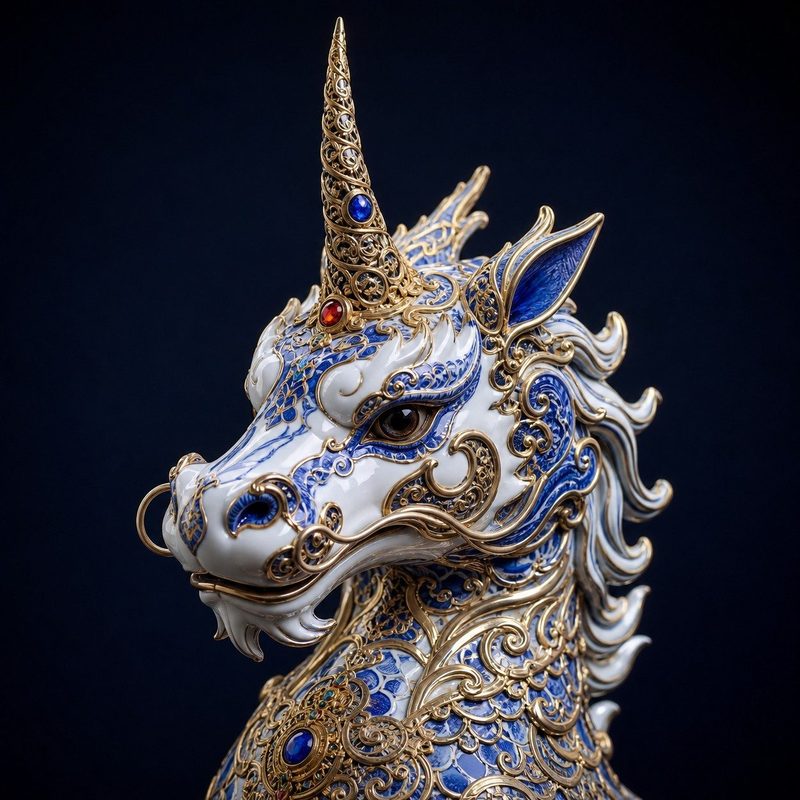
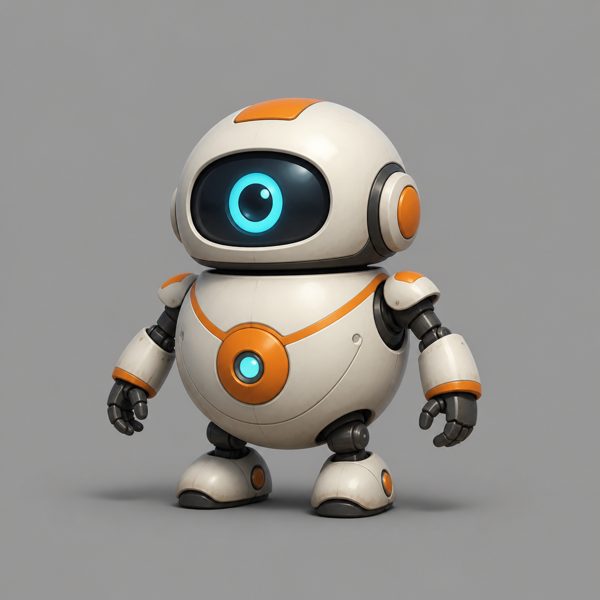
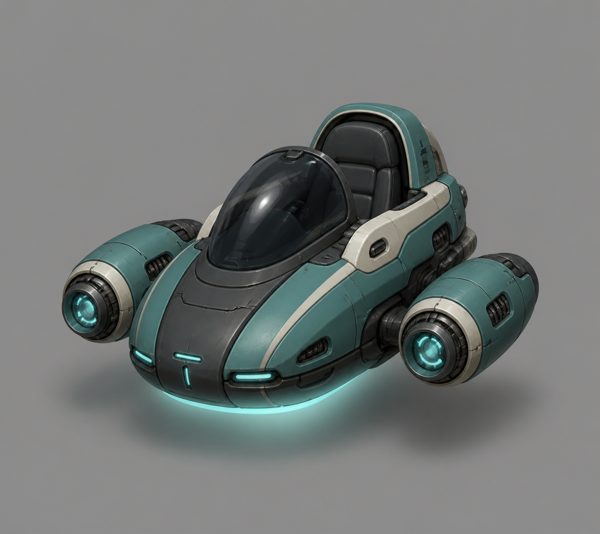
34 real results from Sculptly: characters, creatures, props, buildings and vehicles, each built from one image. Tap a card to open the model and turn it around. The small picture in the corner of a card is the input it came from.
Want your own? Start with the free image to 3D tool, the image to STL converter for printing, or read how a 3D model is made from images.
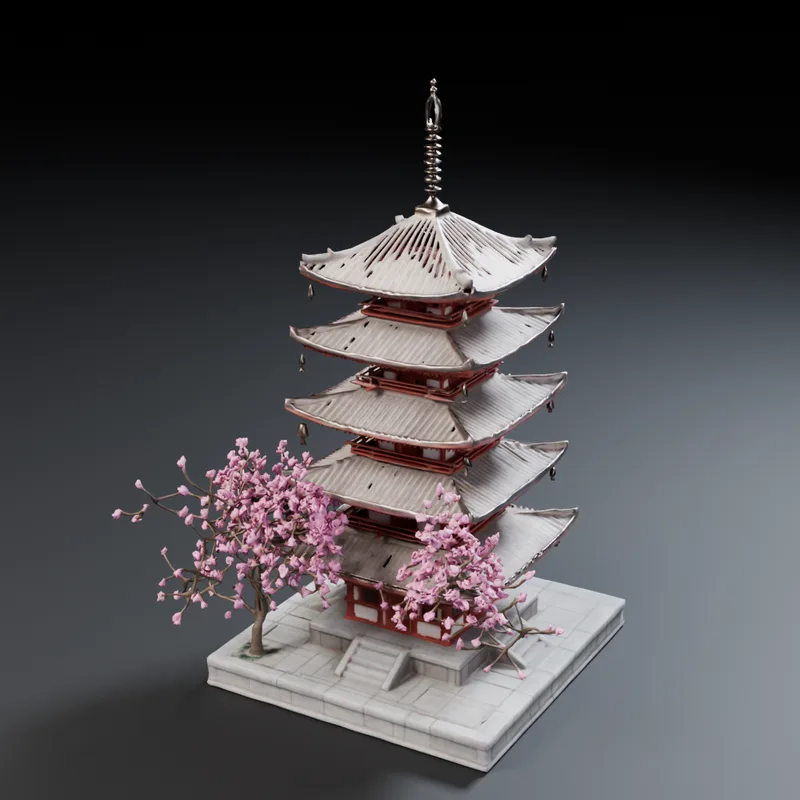
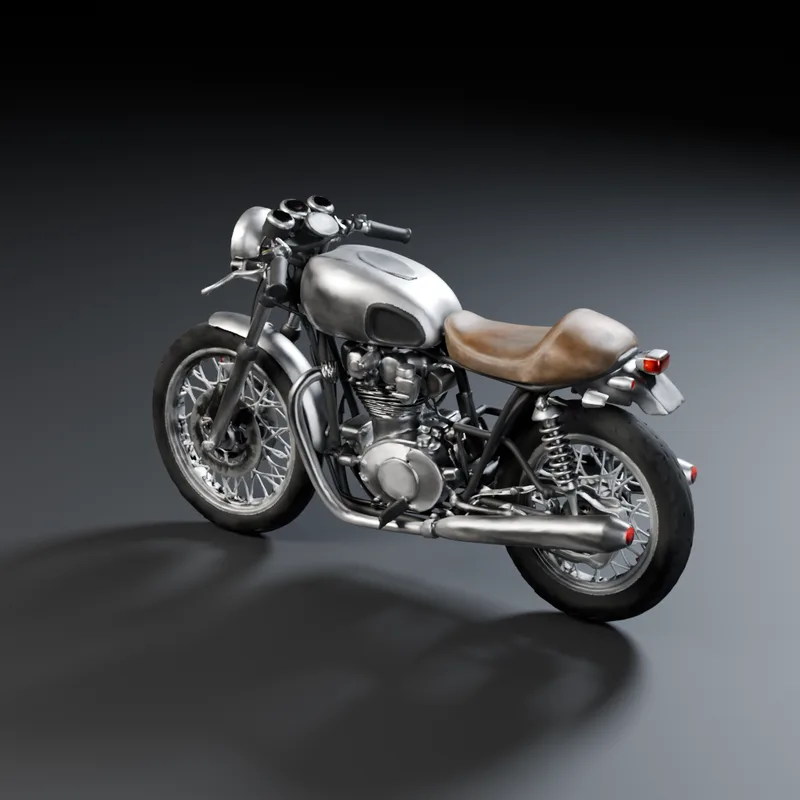
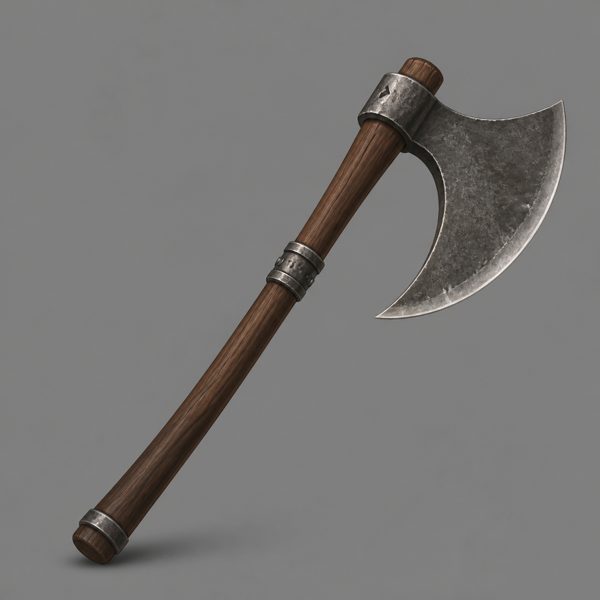
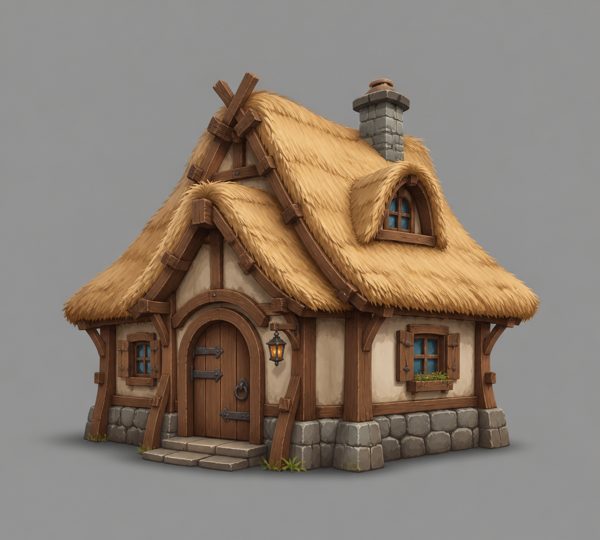
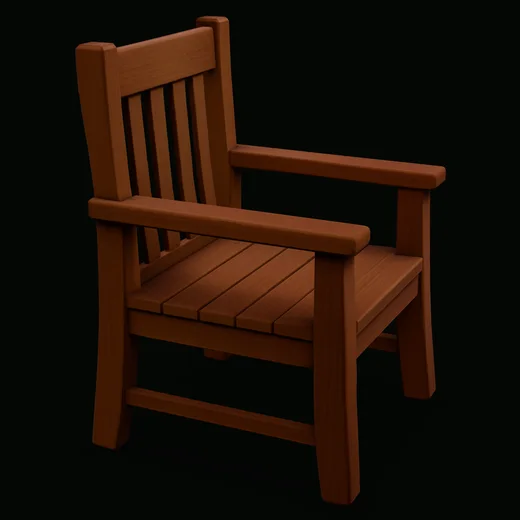
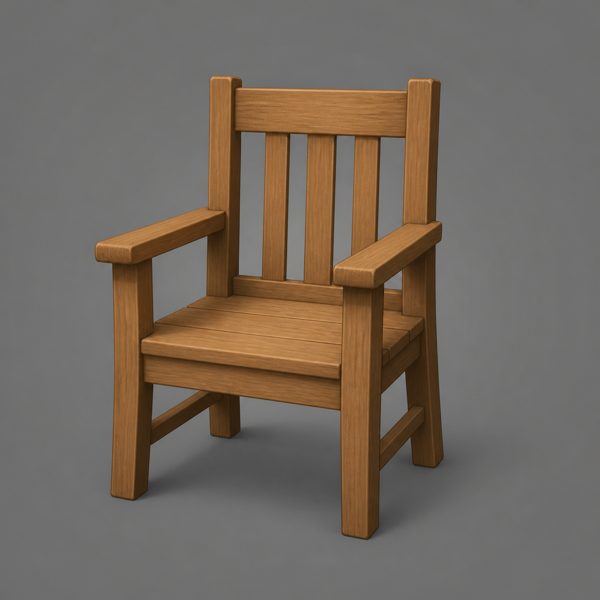


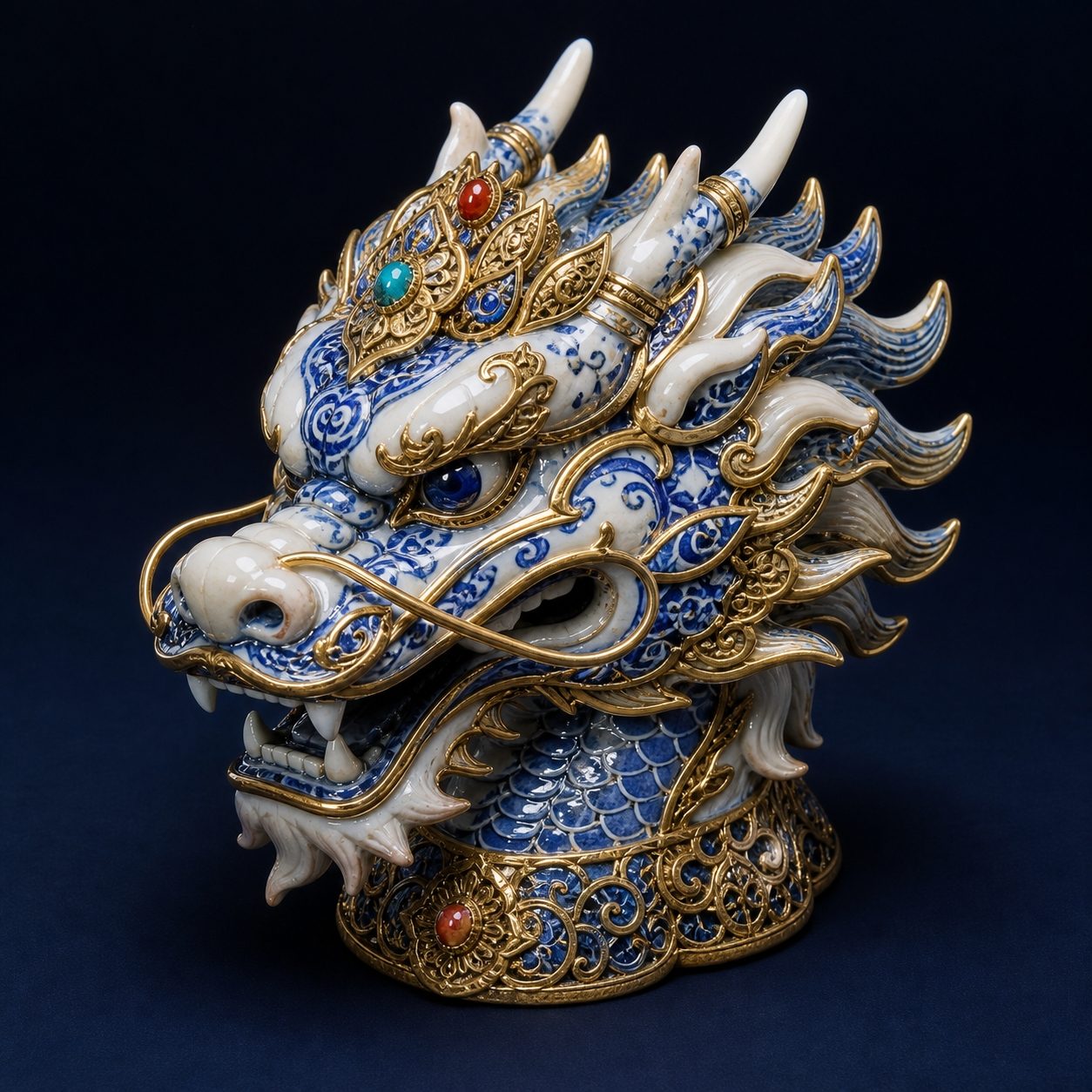
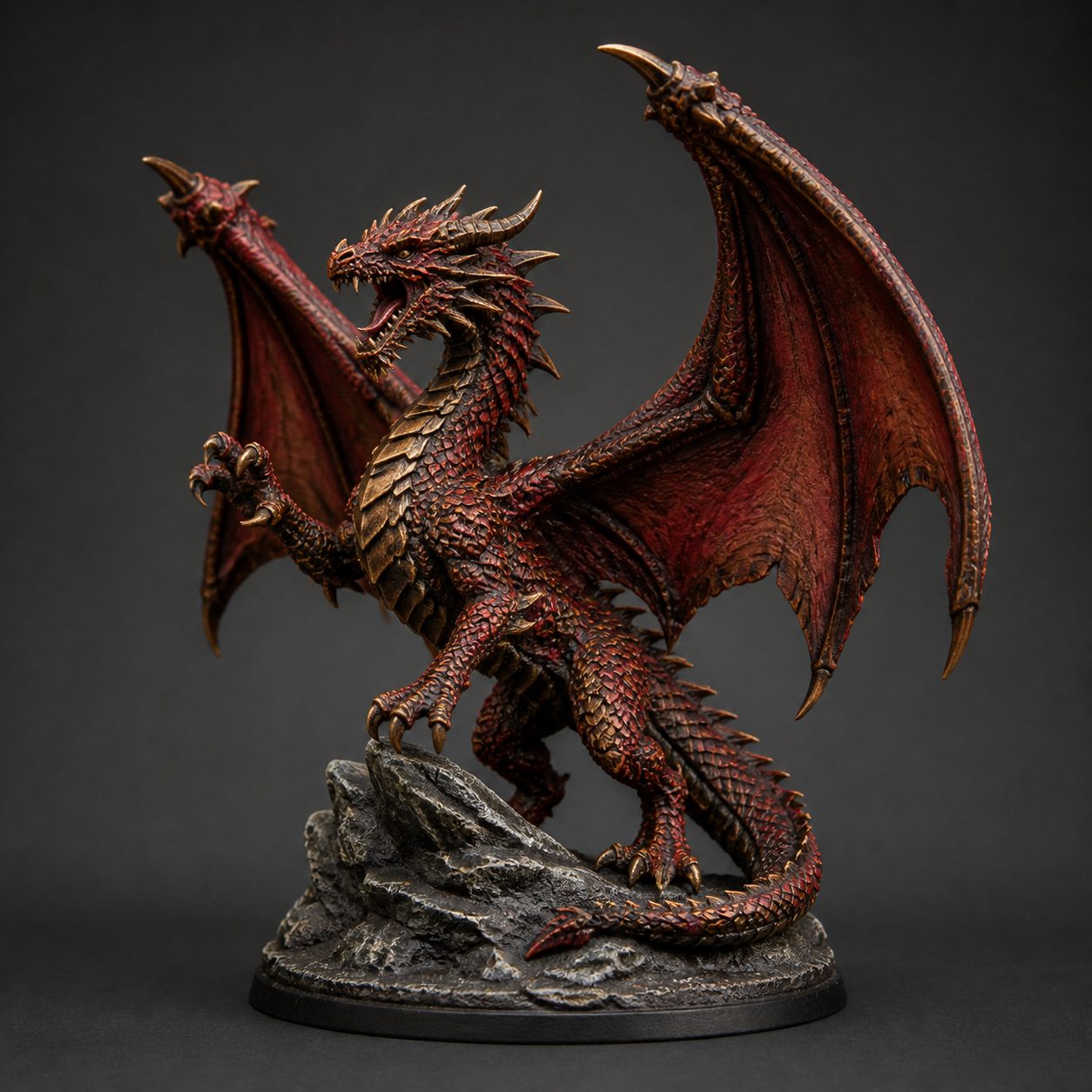


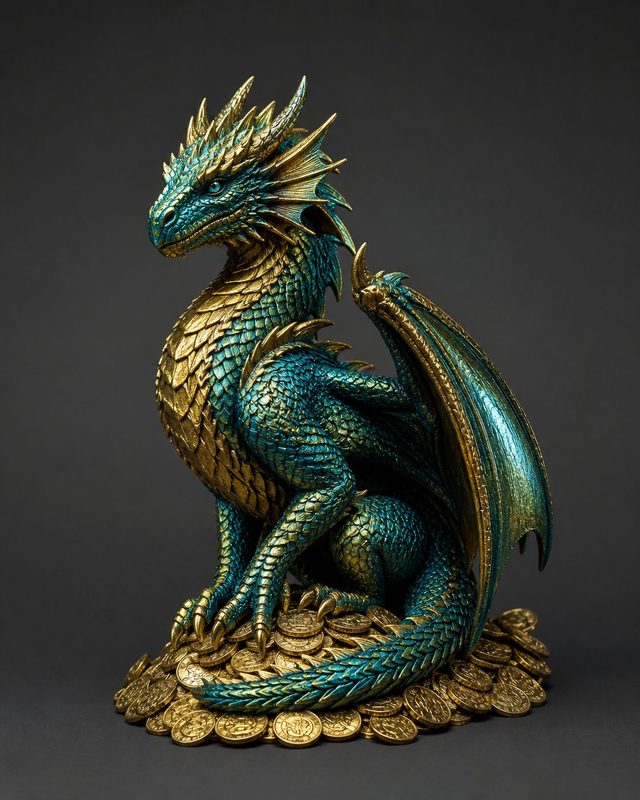
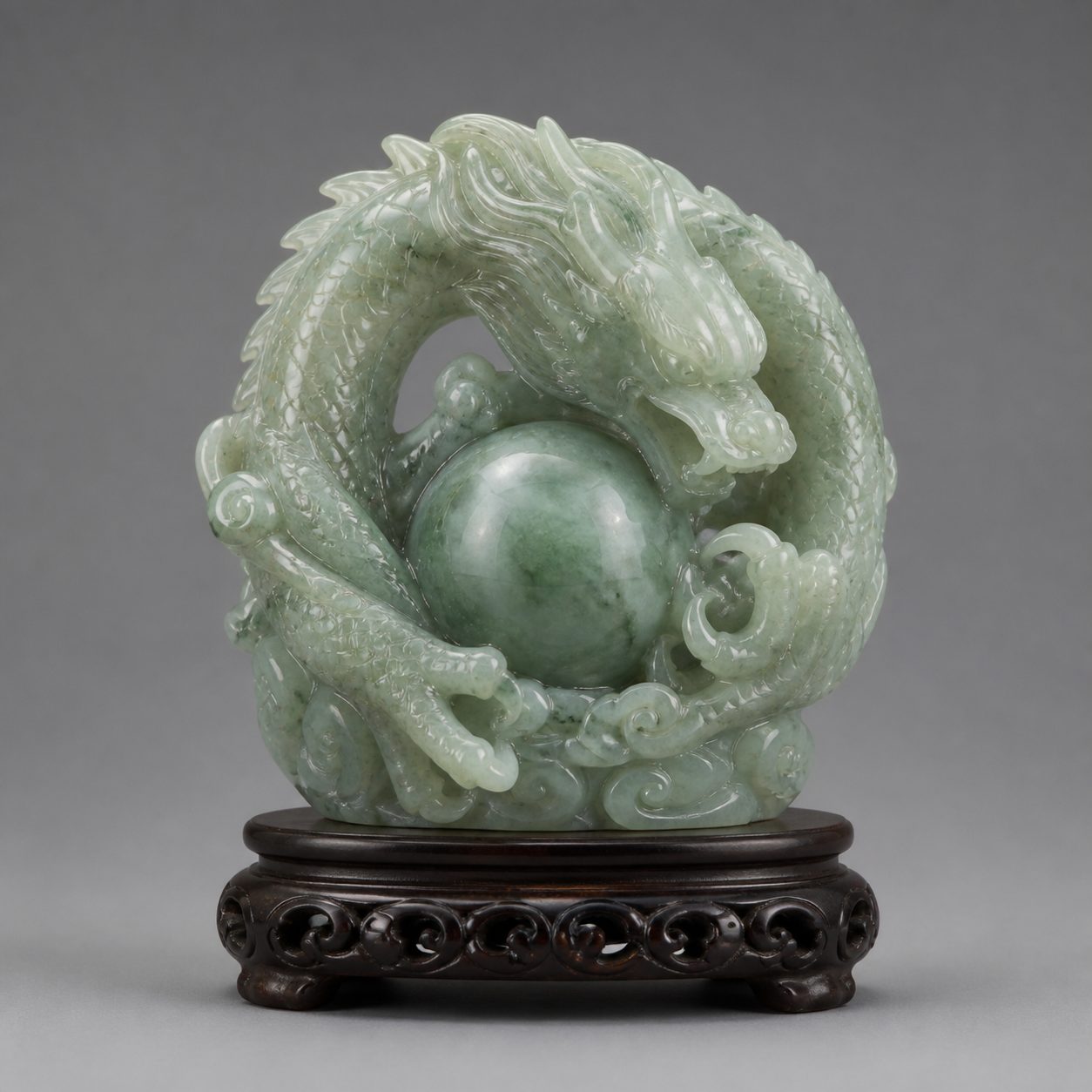
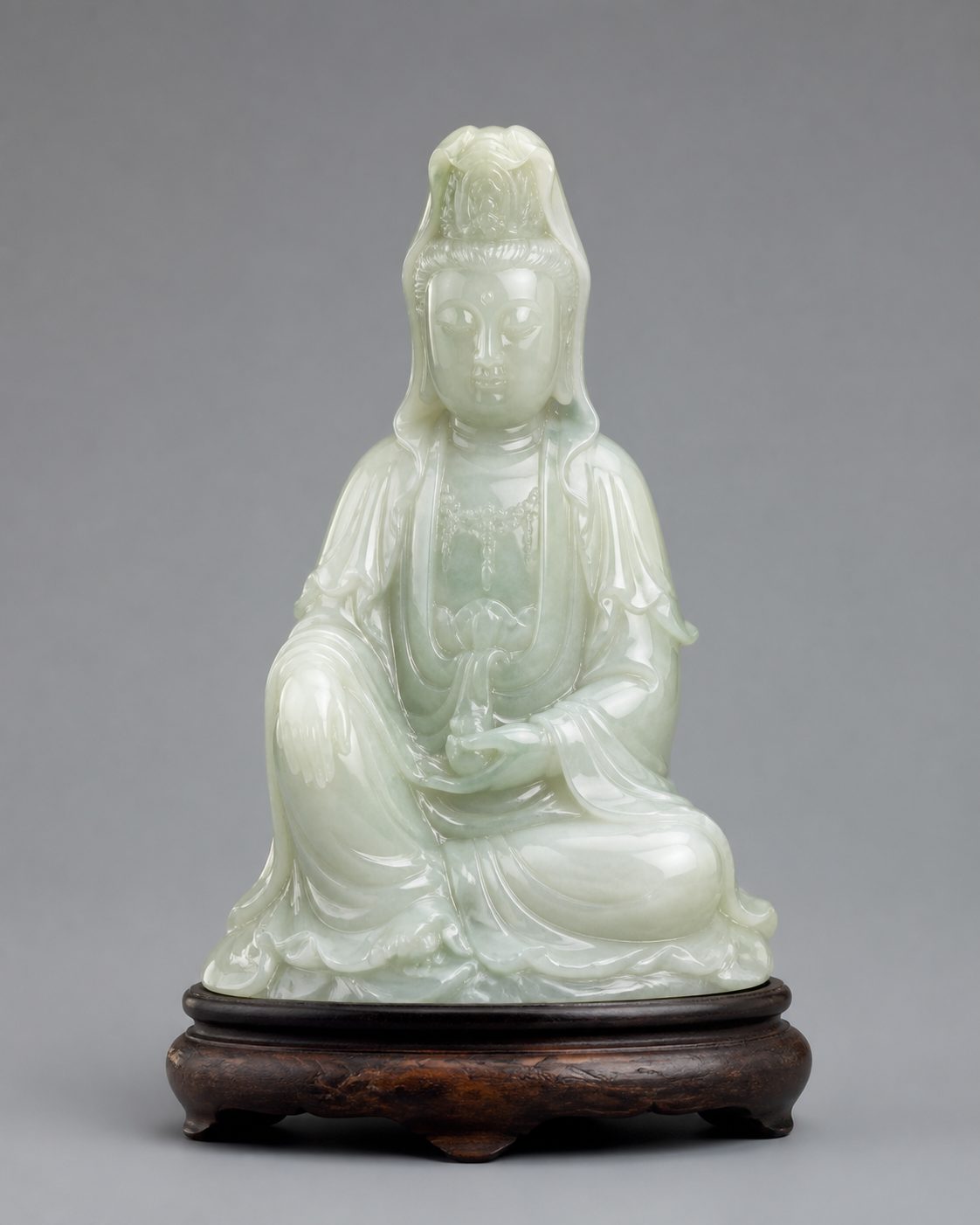
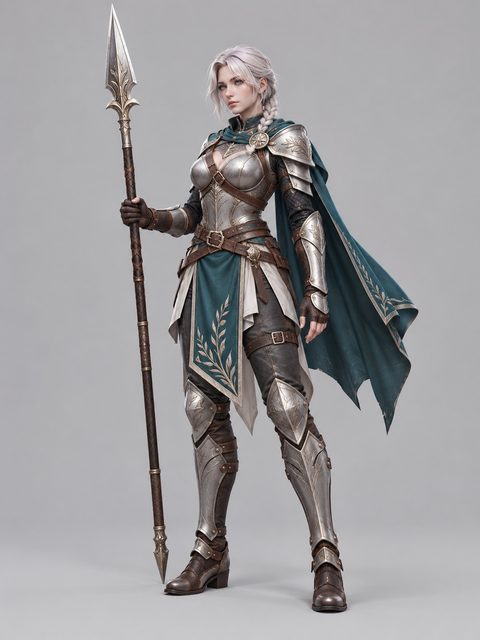
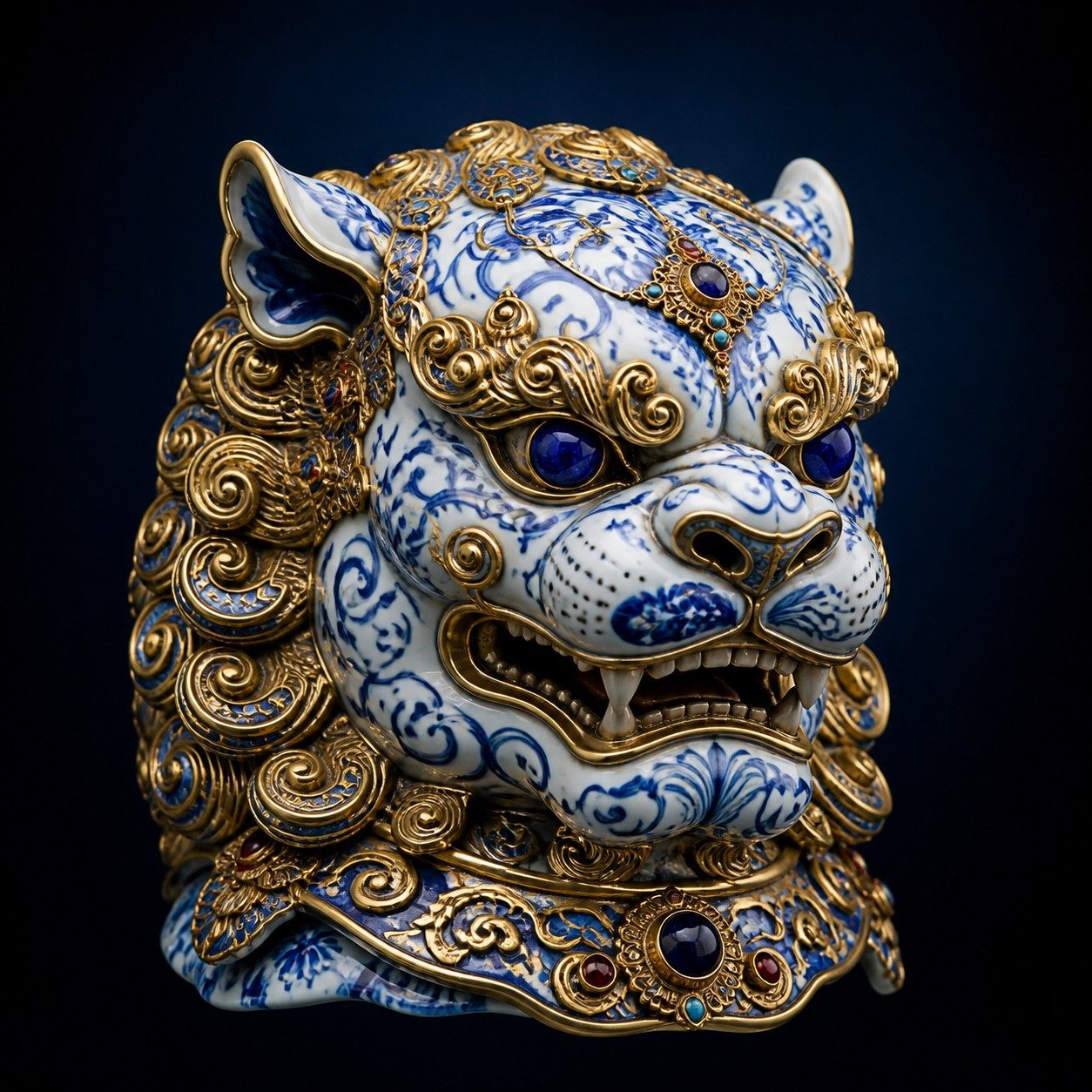
Make one from your own picture
These all started as one image. Try the free image to 3D generator with a picture of your own, or turn a photo into a printable file with image to STL.
Questions
- Are these real results or mock-ups?
- They are real outputs of Sculptly, each made from one picture. The small picture in a corner is the input. We only show results we generated ourselves, never an upload from a visitor.
- Can I make a model like these from my own picture?
- Yes. Upload a PNG, JPG or WEBP with one subject fully in frame and Sculptly builds a 3D model you can rotate and check in the browser. Your first Standard model is free.
- Which of these are printable?
- Any of them can be exported as an STL draft, but a single picture cannot see the back of an object, so check the model for holes before you print. The free size report shows whether a model is one closed solid.
- Why do some cards show a photo instead of a render?
- The earlier benchmark runs only kept the input photo. Tap the card and the real 3D model opens in place of it.