
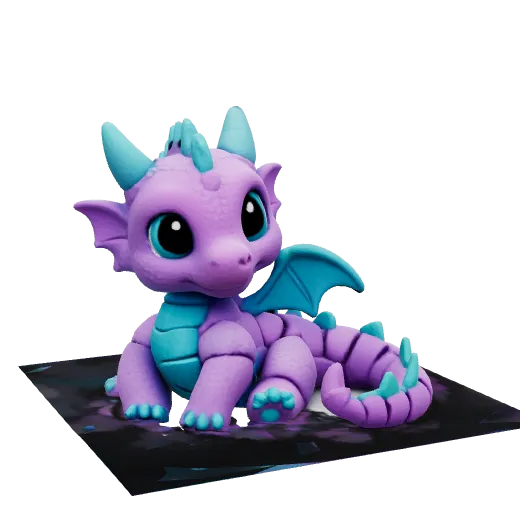
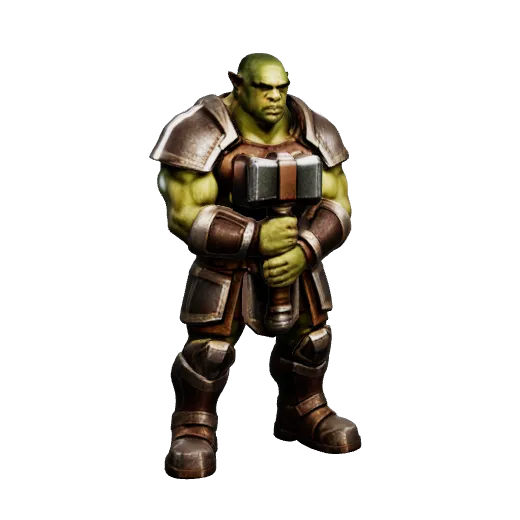

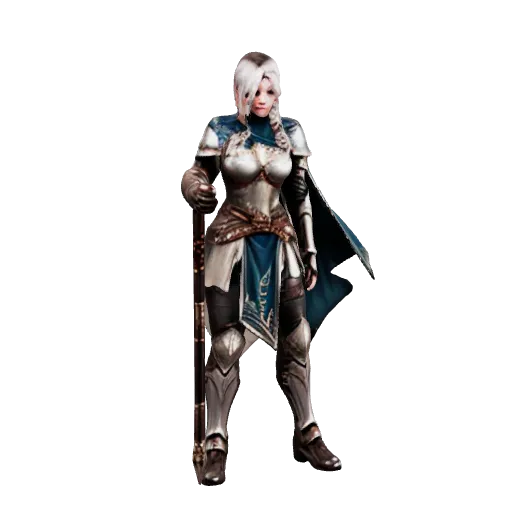

Fast turnaround
Most generations finish in two to four minutes, end to end.
Drop in any photo, sketch, or character turnaround. Get a free textured GLB (Y-up, imports into Unity, Unreal, Blender & Godot), or unlock OBJ/STL with automatic watertight repair for Bambu/Cura 3D printing.
Start freeFirst model freeNo card requiredEvery model on this page is a real Sculptly output
Every model exports as GLB, OBJ, STL and PLY — you pick the format after it is done, not before.
A real Sculptly output from our benchmark run — your result appears here once you upload an image.
Import guides: BlenderUnitySketchUpAlready have a model? STL file repairOBJ to STL converterPNG to STL for logos and namesMulticolor 3D print from an image
Files that open in
One picture in. A textured model out.
Upload a photo, drawing or render and get a textured GLB in two to three minutes. Turn it around, check it from every side, then export.
Start creatingDirect Overview
Sculptly is an online AI 3D model generator that converts 2D photos, sketches, and character artwork into 3D meshes in standard GLB, OBJ, and STL formats in two to three minutes. The neural mesh engine analyzes silhouettes, depth gradients, and surface contours to reconstruct volumetric geometry with baked textures and UV coordinates, requiring zero manual CAD or 3D sculpting experience. Users can inspect, orbit, and verify the physical mesh directly in an interactive browser 3D viewport prior to export. The free GLB is glTF 2.0, Y-up per spec, and imports into game engines (Unity, Unreal Engine, Godot), digital content creation tools (Blender, Maya), and web viewers. Paid OBJ and STL geometry exports get an automatic watertight repair pass for 3D printing slicers (Bambu Studio, Cura, PrusaSlicer). The first model is completely free without creating an account or providing a credit card, and the platform includes seven permanent browser utilities for format conversion and mesh repair.
GLB, OBJ & STL
Full compatibility with 3D suites, engines, and web viewers.
Watertight STL (Paid)
Automatic watertight repair for Bambu Studio, Cura & PrusaSlicer.
glTF 2.0, Y-Up Per Spec
Imports into Unity, Unreal Engine, Godot & Blender.
Free Hole Capper & Diagnostic
Caps open holes and reports non-manifold edges from other AI tools.
See real generations
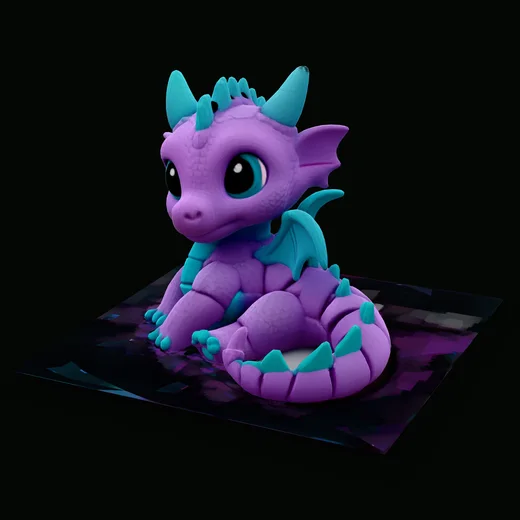
Each one started as a single image (bottom left) and went through the Fine Detail setting once, with nothing retouched. Hover or focus a card to inspect the generated model; on touch devices, tap a card to switch views.
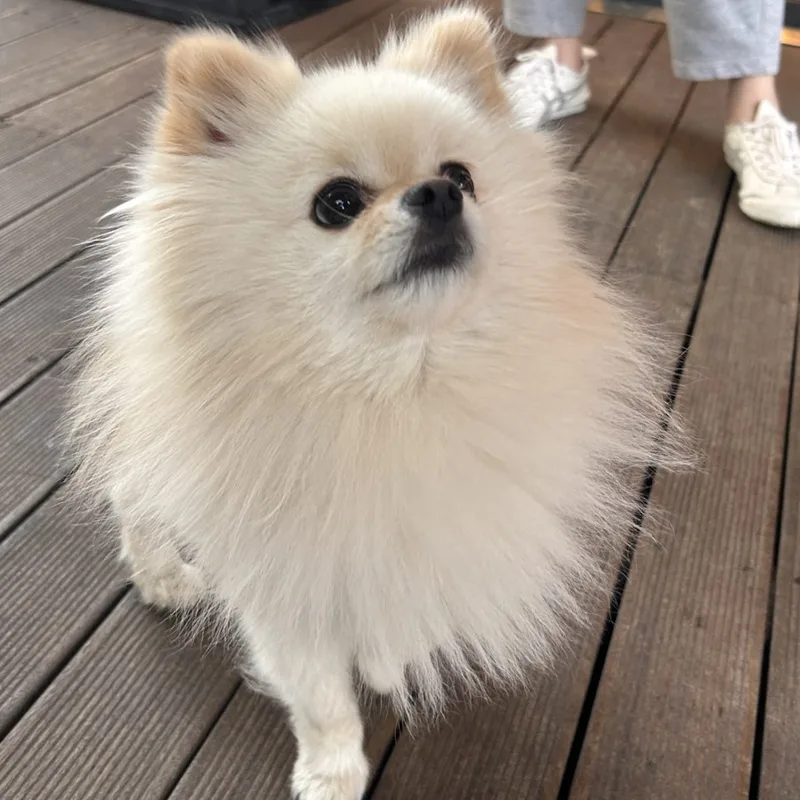 PhotoA pet photo
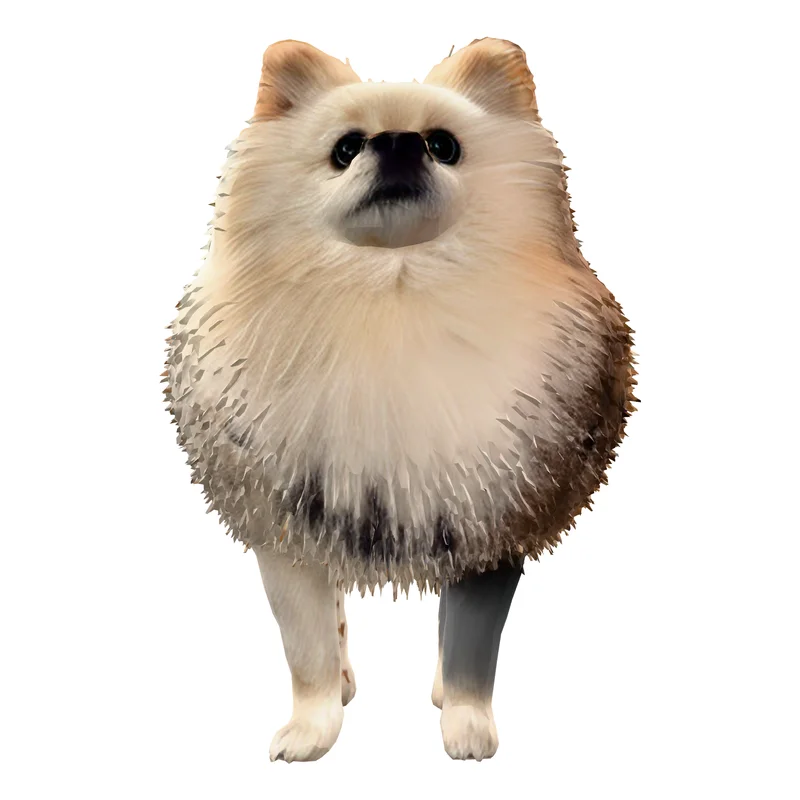 Standard3 credits · 40,000 faces
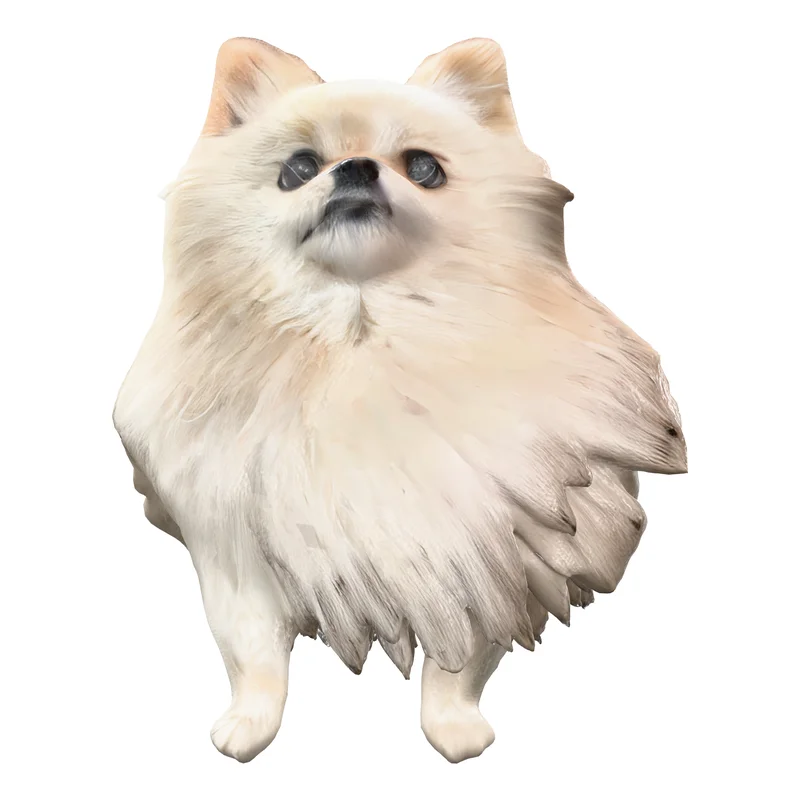 High Detail36 credits · 93,000 facesBest for this photo
 Ultra Detail48 credits · 500,000 faces
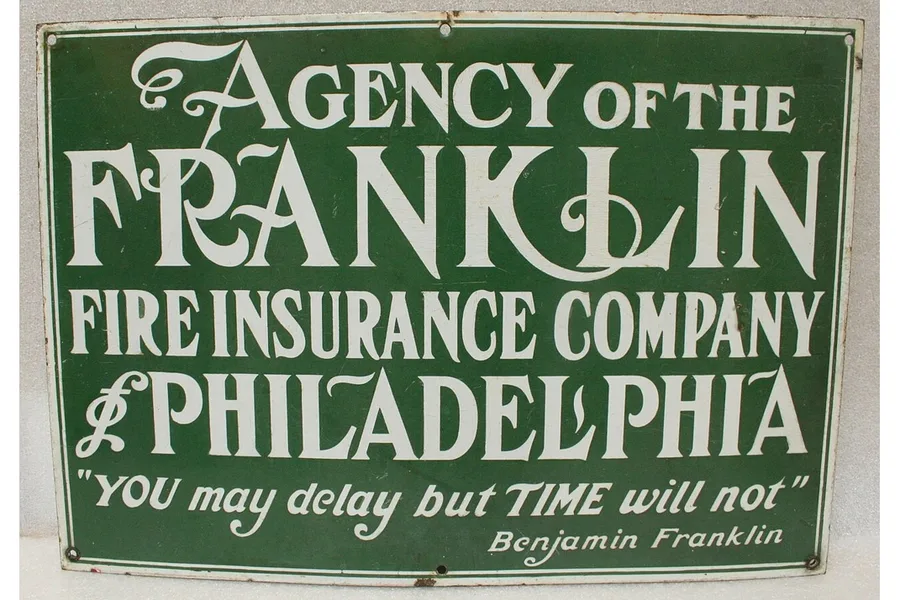 PhotoA sign with lettering
 Standard3 credits · 40,000 faces
 High Detail36 credits · 100,000 facesBest for this photo
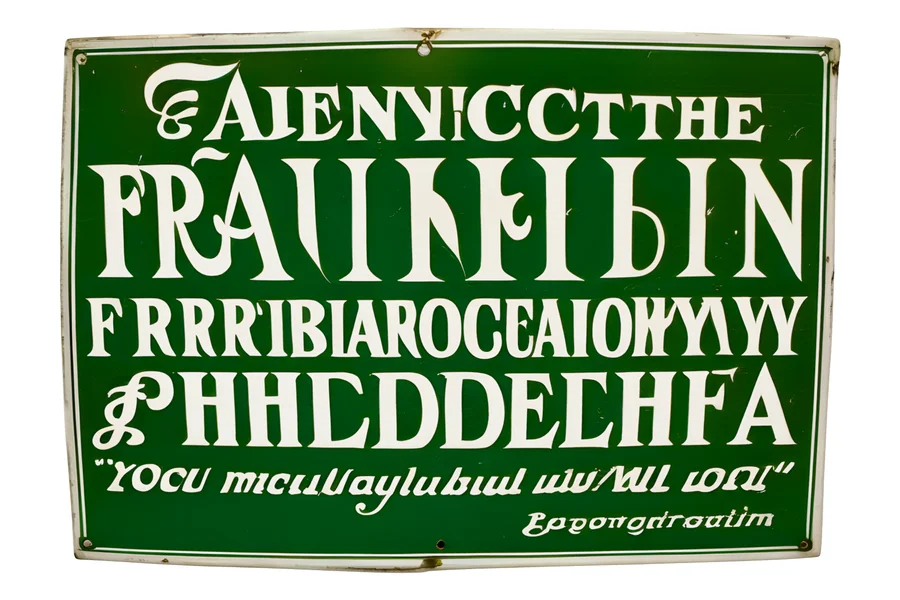 Ultra Detail48 credits · 500,000 faces
One run per setting, nothing picked, same camera for every render. Photo: Yam B Chhetri, WordPress Photo Directory (CC0) · Photo: Missouri History Museum, via Wikimedia Commons (Public domain) Compare what each setting costs
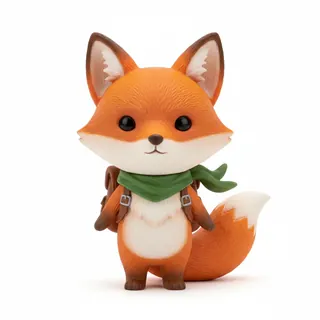 Front
Front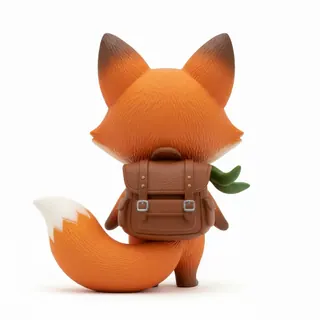 Back
Back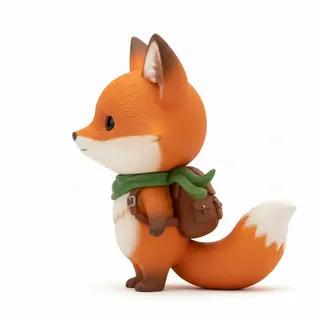 Left
Left High Detail model
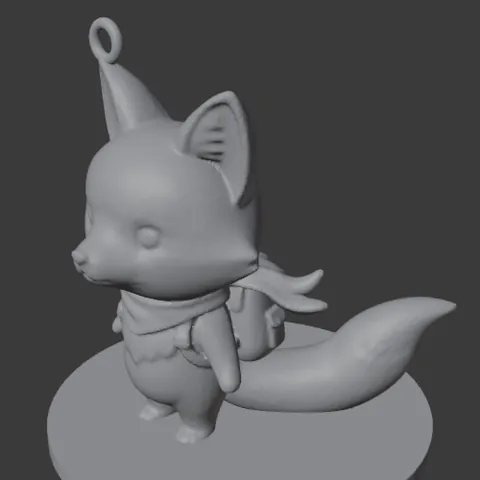 Print version
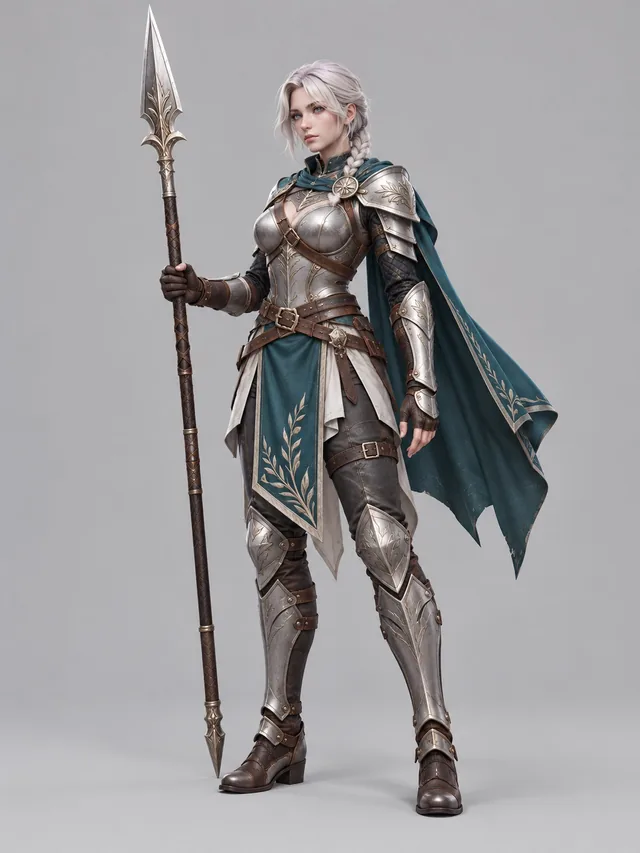 One image in
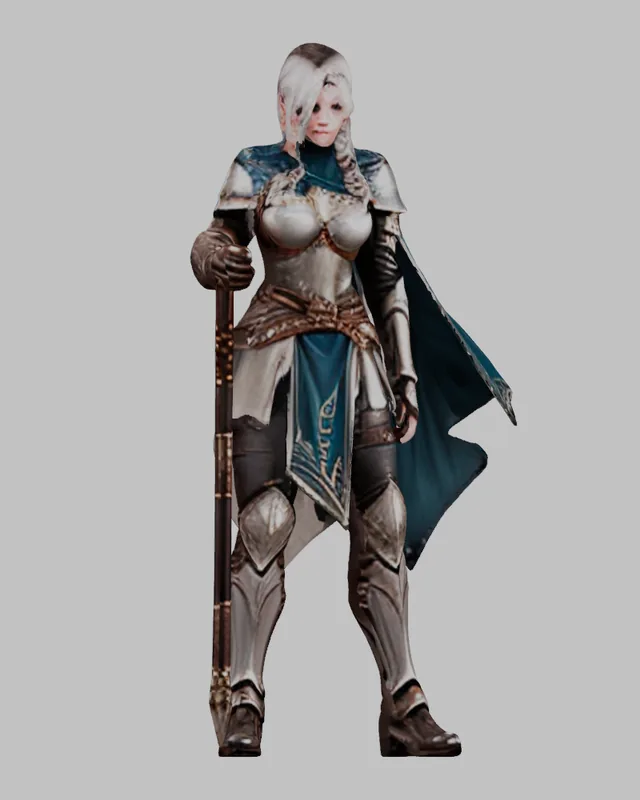 Standard model, 3 credits
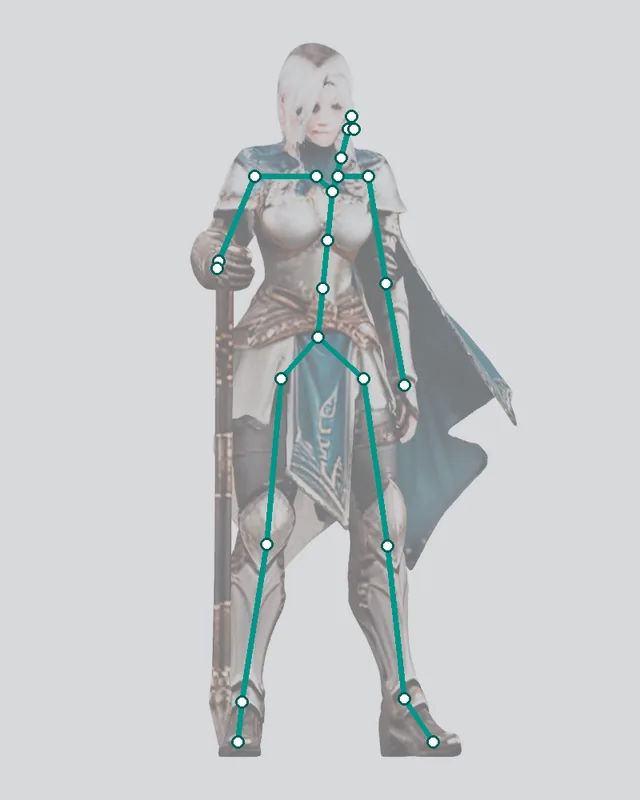 Rigged: 24 bones
 Walk cycle
Built for
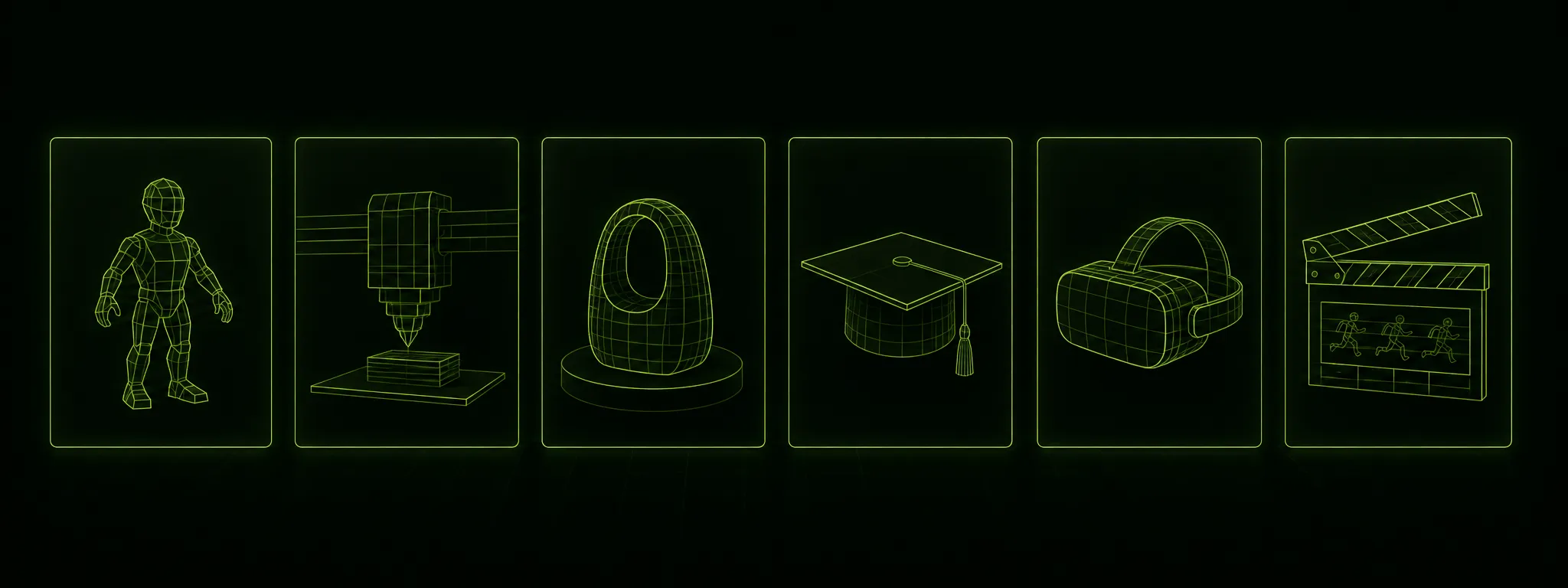
Turn flat art into 3D printable meshes. The paid STL export gets automatic watertight repair for Bambu Studio, OrcaSlicer & Cura.
Free GLB with textures (Y-up, imports into Unity, Unreal, Blender & Godot), plus paid OBJ/STL geometry exports for your pipeline.

Bring an original character, your own concept sketch, or a photo of someone real, and get a production 3D model of it with zero sculpting required.
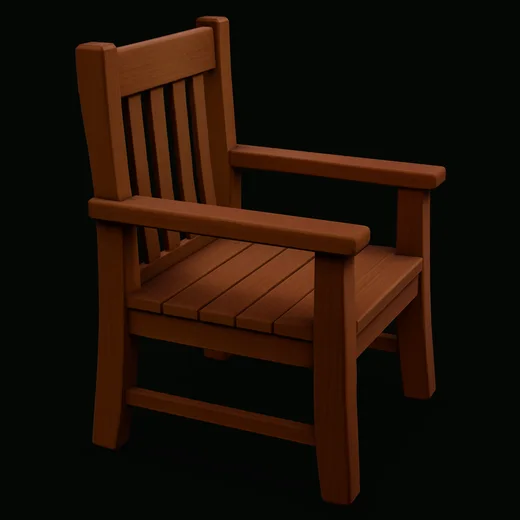
Already have a broken 3D model with holes, non-manifold edges, or inverted normals? Auto-heal and convert to solid STL in seconds.
Make it yours
The interesting work is the design nobody has made yet — your original character, your pet, your concept sketch, the thing that only exists in your notebook. Sculptly turns that into a mesh you can print, drop into an engine, or hand to a fabricator.
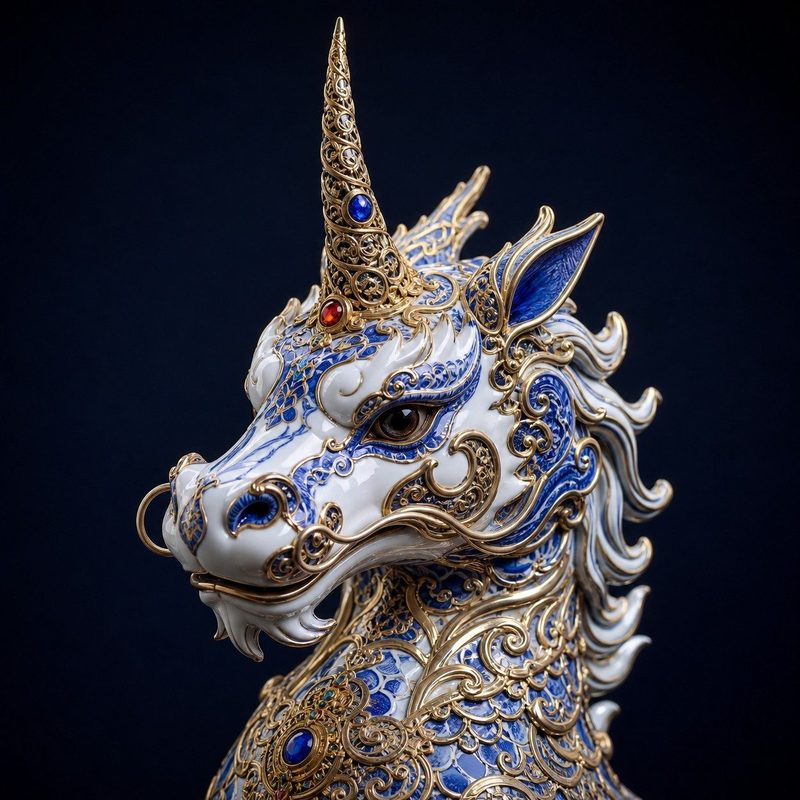 Reference
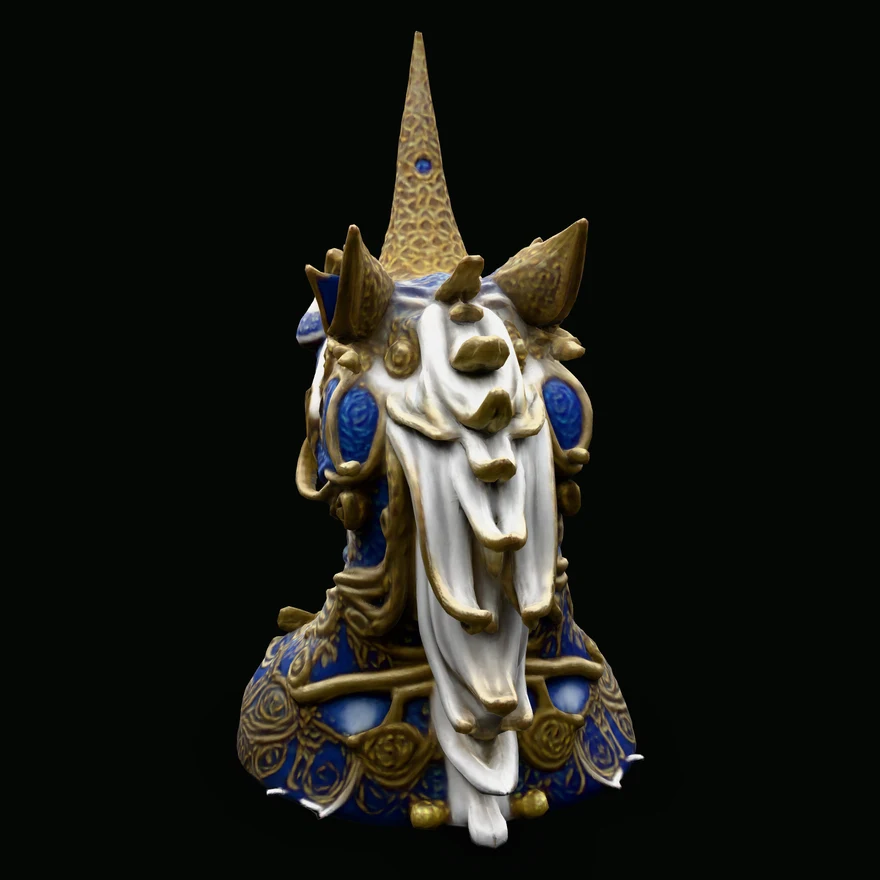 Generated mesh · rear
An OC you designed, a VTuber model you own the rights to, a mascot for something you are building.
A photo of your dog, your kid's drawing, your own face — the reference is already yours.
Sketches, turnarounds, and paint-overs you made yourself, taken from flat to a real 3D draft in minutes.
Only upload images you have the rights to use. We do not host or promote likenesses of third-party characters, and we would rather help you build something that is yours to sell.
Features
Most generations finish in two to four minutes, end to end.
Export to GLB with full materials, or OBJ and STL for print.
Rotate and inspect the actual mesh before you download anything.
Pixel art and complex mechanical surfaces have known limits — we say so up front.
Generated from an original photo through this exact pipeline. Click one to see it live.
How it works
Use a photo, sketch, or concept image — PNG, JPG, or WEBP up to 10 MB.
TRELLIS creates geometry and texture with the same tested settings used in our benchmark.
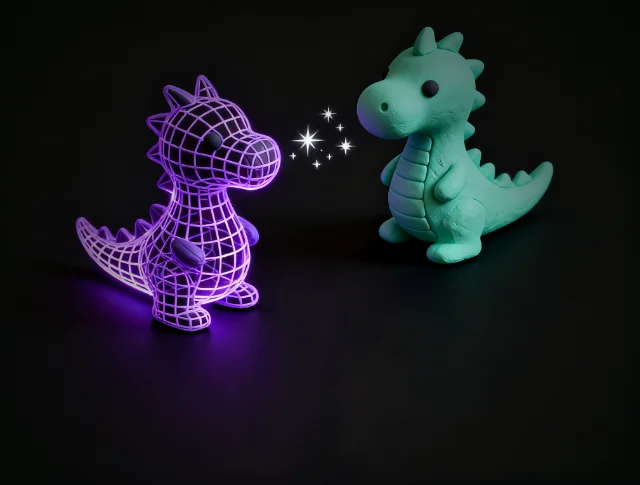
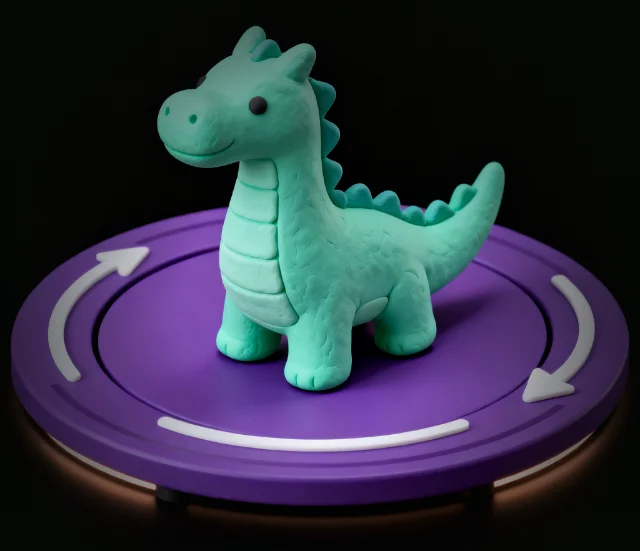
Rotate it in the browser before deciding what to download.
Start with GLB; OBJ and experimental STL conversion are available when needed. Before printing, use the free GLB repair tool to detect and patch open holes.
Honest by design
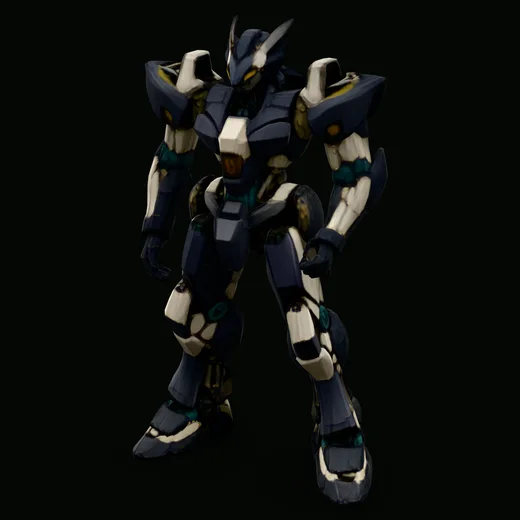
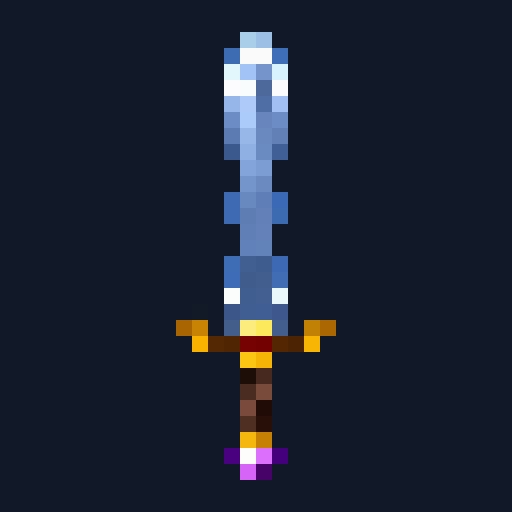
Clear single subjects tend to work best. Pixel-art hard edges can blur, and detailed mechanical or vehicle surfaces can lose fidelity.
 Reference
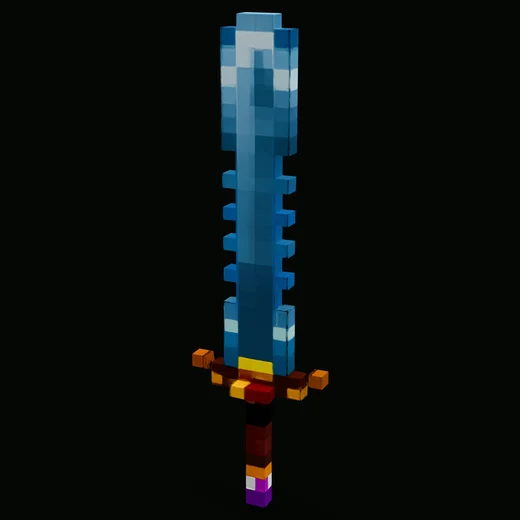 Generated mesh
Single-image AI reconstruction infers obscured surface depth. To help with slicer compatibility, the paid OBJ/STL export automatically applies a boundary and watertight repair pass — or the export is refused rather than shipping a file that could not be repaired.
Have existing broken models from other tools? Run them through our Free 3D Mesh Repair & Hole Capper Tool to diagnose hole boundaries, seal perimeter edges, and export clean OBJ or STL geometry.
Others vs Sculptly3D
Every row below is work you would otherwise do by hand in Blender. We automate the watertight repair pass so your STL/OBJ can go straight to your 3D slicer, and the GLB is standard glTF 2.0 you can drag straight into a game engine.
| What you get | Others | Sculptly3D |
|---|---|---|
| 3D Mesh Geometry | Raw GLB only | GLB, plus paid OBJ/STL geometry |
| Free Textured GLB Export | ✕ Varies by tool | ✔ glTF 2.0, Y-up — imports into Unity, Unreal, Blender & Godot |
| 3D Printing Slicer Reliability | ✕ Non-manifold holes & slicer errors | ✔ Automatic watertight repair (paid STL/OBJ) |
| Textures Included | ✕ Baked vertex color only | ✔ Textures kept in the free GLB |
| Commercial Rights & Ownership | Attribution / CC-BY required | ✔ 100% Full Commercial Rights |
| Manual Watertight Repair Needed for STL | 1–2 hours per model | 0 minutes (automatic, paid STL/OBJ) |
Pricing
Credit packs get equal footing and never expire. Subscription credits are for recurring work.
165 credits every month
≈ $0.15 per model
then $19/mo · 400 credits/month
≈ $0.14 per model
2,250 credits/month · up to 750 generations
≈ $0.13 per modelLowest per model
| Lite | Starter | Ultra | |
|---|---|---|---|
| Credits | 165 | 400 | 2,250 |
| Standard models | 55 | 133 | 750 |
| High Detail models | 4 | 11 | 62 |
| Per model | ≈$0.15 | ≈$0.14 | ≈$0.13 |
| Credit expiry | Roll over while subscribed | Roll over while subscribed | Roll over while subscribed |
Every paid plan and pack includes API access — same credits, same price, called from your own code. Read the two endpoints.
Ultra is not a hidden “unlimited” plan: the fair-use cap is approximately 750 textured generations per month.
No. Credit packs never expire. Unused subscription credits carry over to the next billing period while your plan is active, and if you cancel, the credits already on your account stay there.
From Account, choose Manage subscription. Stripe’s customer portal provides cancellation without a support ticket, within two clicks from account settings.
Within 30 days after cancellation, you can request a pro-rated refund for unused subscription credits. Unused credits from a one-time credit pack or an unlock bundle are refundable within 30 days of purchase; credits already spent on generations are not returned, and refunding a bundle revokes that model's export unlock. If a billed generation fails or times out due to a platform issue, credits are refunded automatically. See the full refund policy.
Yes, when the input was yours to begin with — your character, your sketch, your photograph. You keep the rights to your uploads and to the models generated from them. What we will not help with is likenesses of third-party characters: those are not yours to sell either, whoever generated the mesh. Details in the terms.
Your first model is free, and no card is required to try it.
Try Sculptly →Frequently asked
You retain commercial use of models generated from images you have the rights to use. Do not upload content you do not have permission to use.
Usually. A single-image reconstruction can come back with open holes or non-manifold edges. Paid STL/OBJ export automatically runs a watertight repair pass that closes boundary loops before you download — if a model cannot be made watertight, the export is refused with an error instead of handing you a file that will fail in the slicer.
For extreme overhangs or hollow miniatures, you can also run your file through our free mesh repair tool to verify edge boundaries and inspect triangle counts before sending to your printer.
The free GLB is glTF 2.0, Y-up per spec, and imports into Unity, Unreal Engine, Blender and Godot with its textures intact — no FBX conversion needed. Paid OBJ is geometry only (no textures). Neither is rigged: add colliders, LODs, rigging and animation yourself in your engine or DCC tool.
One clear subject, lit evenly, shot against a plain background, with the whole object inside the frame. A single-image reconstruction can only infer what it cannot see, so the more of the object is visible, the less guessing happens on the back faces. Busy backgrounds, heavy motion blur, and objects cropped at the edge of the frame are the three things that most often produce a mesh you will want to regenerate.
Pixel art and hard mechanical edges are the known weak spots — they tend to soften. Organic shapes, characters, and props are where this pipeline is strongest.
Open Account, then Manage subscription. Stripe's portal provides cancellation without a support ticket.
Longer reads: import, repair and limits guides on the Sculptly blog, and how AI, photogrammetry and CAD compare for a 3D model from images.
One model is free, no card required.
Start freeMade for 3D printing
After a model is generated, the workbench takes it the rest of the way to a file your slicer accepts. Hollow, split, colour and orient need an active paid plan and cost a few credits per run.
Paid STL and OBJ exports are rebuilt as one closed solid and checked against your original shape. If the rebuild would drift more than 1%, you get your own geometry back and we say so.
Hollow a model to save resin or filament, with drain holes added so it can empty. 2 credits.
Cut a model into parts that fit your bed, with dovetail connectors, then colour each part and export a multicolour 3MF. 3 credits to split, 5 credits to colour.
Pick a print orientation, then send the file to your slicer. 1 credit for orientation.
Credits never expire — unused credits roll over.
convert an image to a printable STL · make a 3D model from an image for free · print one image as a multicolor 3D model · turn an image into a Gaussian splat · import a generated GLB into Blender · convert PNG logos to a printable STL
repair holes in an STL or GLB · convert an OBJ file to STL · reduce the triangle count of an STL · convert STL to a smaller 3MF file · combine several GLB models into one scene · turn a GLB into voxel blocks · generate a two-part mold block from a GLB