Free 3D Models for Roblox Creators: Start From an Image
Upload one image and get a 3D model you can take into Roblox Studio. The first Standard model is free, and this page lists what Roblox itself says Studio accepts.
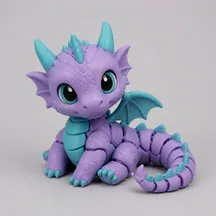


Every model exports as GLB, OBJ, STL, 3MF and FBX — you pick the format after it is done, not before.
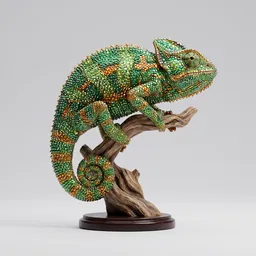
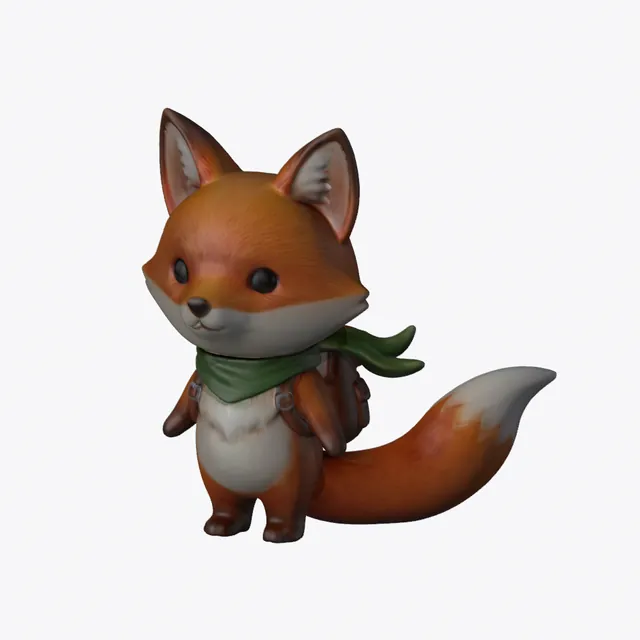
A real Sculptly output from our benchmark run — your result appears here once you upload an image.
Generating uploads your image to our servers. Previewing is free; the OBJ and FBX files cost $1.90 to unlock per model.
- Roblox lists .fbx, .obj and .gltf as the mesh formats Studio imports, and states a 20,000 triangle budget for an individual mesh.
- Our Standard models came out near 40,000 faces, so set the face count to 20,000 or lower when you export.
- Every Roblox fact below is a quote with its link, read on 2026-11-18.
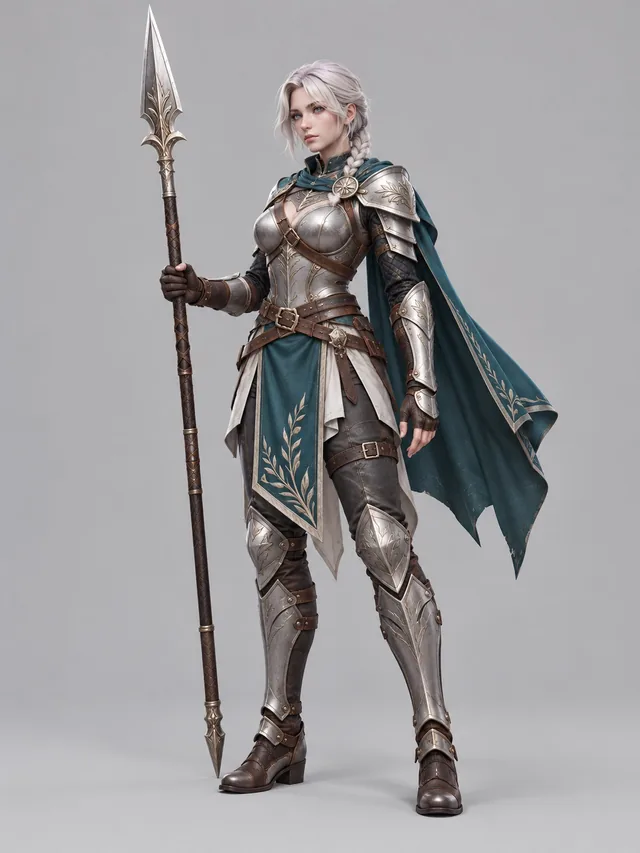
What Roblox says Studio takes, read 2026-11-18
These are quotes from Roblox's own creator documentation, each with the page it came from. We use nothing about Studio that we could not read there.
- Mesh formats the Studio importer takes.
You can import meshes in the .fbx, .obj, or .gltf format. (The same page says: .gltf and .glb files import with a different hierarchy than .fbx files.)
3D Importer - Where the import starts.
From Studio's File menu, select Import.
3D Importer - The importer has a unit setting; the default is studs.
Scale Unit: Sets what units the file was modeled in so that it's sized appropriately when imported. (By default, this is set to Studs.)
3D Importer - The triangle budget for an individual mesh.
Individual meshes can not exceed 20,000 triangles.
General specifications - The largest texture resolution Roblox supports.
Roblox supports up to 4096×4096 pixel texture resolutions (4K).
Texture specifications - How many materials a mesh object may have.
Mesh objects can only have one material assigned.
Texture specifications
Face counts we measured, next to Roblox's triangle budget
Faces per setting on the two public photos we ran through every setting. Roblox's budget for an individual mesh is 20,000 triangles.
| Sample | Standard | High Detail | Ultra Detail |
|---|---|---|---|
| A pet photo | 40,000 | 93,000 | 500,000 |
| A sign with lettering | 40,000 | 100,000 | 500,000 |
The paid OBJ and FBX exports let you choose a face count of 50,000, 20,000, 10,000 or 5,000. Pick 20,000 or lower for Studio. A reduced FBX carries its colour per vertex instead of as a texture.
Between October 12 and November 10, 2026, real visitors (bots, test accounts and our own runs removed) submitted 1,943 images, and 1,627 (83.7%) came back as a model. The typical wait was 140 seconds from submitting an image to a model you can rotate, and one run in ten took longer than 200 seconds.
Which Sculptly file to take into Studio
| Format | On Roblox's list | From Sculptly |
|---|---|---|
| FBX | Yes (.fbx) | Paid unlock per model. Texture embedded, scaled to 1 m on its longest side. Face count can be set. |
| OBJ | Yes (.obj) | Paid unlock per model. Face count can be set. |
| GLB | Yes (.glb, listed with .gltf) | Free in some regions and part of the per-model unlock in others. Full face count, no budget setting. |
| STL and 3MF | Not on the list | Made for 3D printing slicers. Skip them for Studio. |
Right now the per-model unlock is $1.90. Details are on the pricing page. To look at a model before you import it, open it in the GLB viewer or the OBJ viewer; both run in your browser and never upload your file.
From one image to a mesh in Studio, in four steps
- Upload one image. One subject, the whole subject in frame, on a plain background. Props, creatures and single characters work best. A flat logo or sign comes back as the picture on a slab, so trace those instead.
- Check the model in your browser. Preview it free. Our OBJ viewer and GLB viewer run in your browser and report triangles and materials, so you can check the two Roblox numbers above before you import.
- Export OBJ or FBX with a 20,000 face count. The paid export lets you pick a face count. Choose 20,000 or lower to stay inside the triangle budget Roblox states for an individual mesh.
- Import in Studio and check the size. Use the File menu, then Import, set the scale unit, and look at the result in the scene. Roblox's own documentation is the place to settle anything this page does not cover.
More on what one image can and cannot give you: making a 3D model from images, and what the free tier covers on image to 3D model, free. Examples of finished models are in the gallery.
What this page leaves out, and why
- Avatar items. The general specifications page says they have their own budgets, so this page covers props and scenery only.
- File size limits, vertex limits and bulk import through the Asset Manager. We did not find them stated on the pages we read, so we give no numbers.
- How many studs a model should be. We did not find a conversion we could quote, so check the size after import.
How we wrote this: on 2026-11-18 we read three pages of Roblox's creator documentation, and we took our side from our own export code, our own sample runs and our own generation counts. There are no reviews and no sales figures here.
Questions from Roblox creators
Can I use a Sculptly model in Roblox Studio?
Yes, as a file. Roblox lists .fbx, .obj and .gltf as the mesh formats its importer takes, and the same page mentions .glb files, so a Sculptly OBJ, FBX or GLB is a format Studio can read. We have not tested every model in every Studio version, and Roblox does not review or endorse our files. Treat each model as a starting mesh: open it, check the size, the triangle count and the look in your own scene, and fix what you find before you build on it. A single image cannot show the back of an object, so the back side is inferred, not seen.
Which format should I import into Studio?
FBX is our pick for props, because the paid FBX export embeds the texture and is scaled to 1 m on its longest side. OBJ is plain geometry that almost any tool opens, and it takes the same face count setting. GLB is the file that can be free, but it comes at full detail with no face count setting, so it is more likely to sit above Roblox's triangle budget. STL and 3MF are print formats and are not on the list Roblox gives, so leave them out. Whatever you pick, set the scale unit in the importer.
Will the model fit the 20,000 triangle limit?
Not by default. Roblox states that individual meshes cannot exceed 20,000 triangles. Our Standard setting made about 40,000 faces on both public sample photos we measured, and High Detail made about 93,000 to 100,000. The paid OBJ and FBX exports let you set the face count to 50,000, 20,000, 10,000 or 5,000, so choose 20,000 or lower for Studio. A reduced FBX carries its colour per vertex instead of as a texture, so a very low count loses surface detail. Open the file in the OBJ viewer to read the triangle count before you import.
Is it really free?
The first Standard model is free to generate and preview, with no card. Standard uses 3 credits, High Detail 36 and Ultra Detail 48. The GLB download is free in some regions and part of the per-model unlock in others. OBJ and FBX are a paid unlock on the same generation, and the current price is shown on this page above the generator before you upload anything. A failed run is refunded automatically. If you only need to look at a model, the GLB viewer and OBJ viewer are free and run in your browser without an account.
Can I make models of characters or brands I do not own?
Only from images you own or are allowed to use. You stay responsible for the rights in your source image and in how you use the result, and Sculptly does not support commercial use of third-party characters or brands. An account that has never bought anything must add the line "Made with Sculptly" with a link when it publishes or sells a model, and any purchase removes that for every model on the account. Roblox has its own rules about what you may upload to its platform, so read its creator documentation before you publish.
Is Sculptly connected to Roblox?
No. Sculptly is an independent product. We make a 3D model file from your image, and "for use in Roblox Studio" only describes where you may choose to import it. Roblox does not approve, review or recommend our files, and nothing on this page comes from Roblox staff. The facts about Studio on this page are quotes from three pages of Roblox's public creator documentation that we read on 2026-11-18, each with its link, so you can check them yourself. Roblox may change those pages later, so check them again before you rely on a number.
Roblox is a trademark of its owner. Sculptly is an independent product, not affiliated with, sponsored by or endorsed by Roblox. Read the FAQ or the refund policy for our own terms.